iOS 26.4 Beta 1 Features: Stolen Device Protection Default for All iPhones
maya6 | Feb. 19, 2026
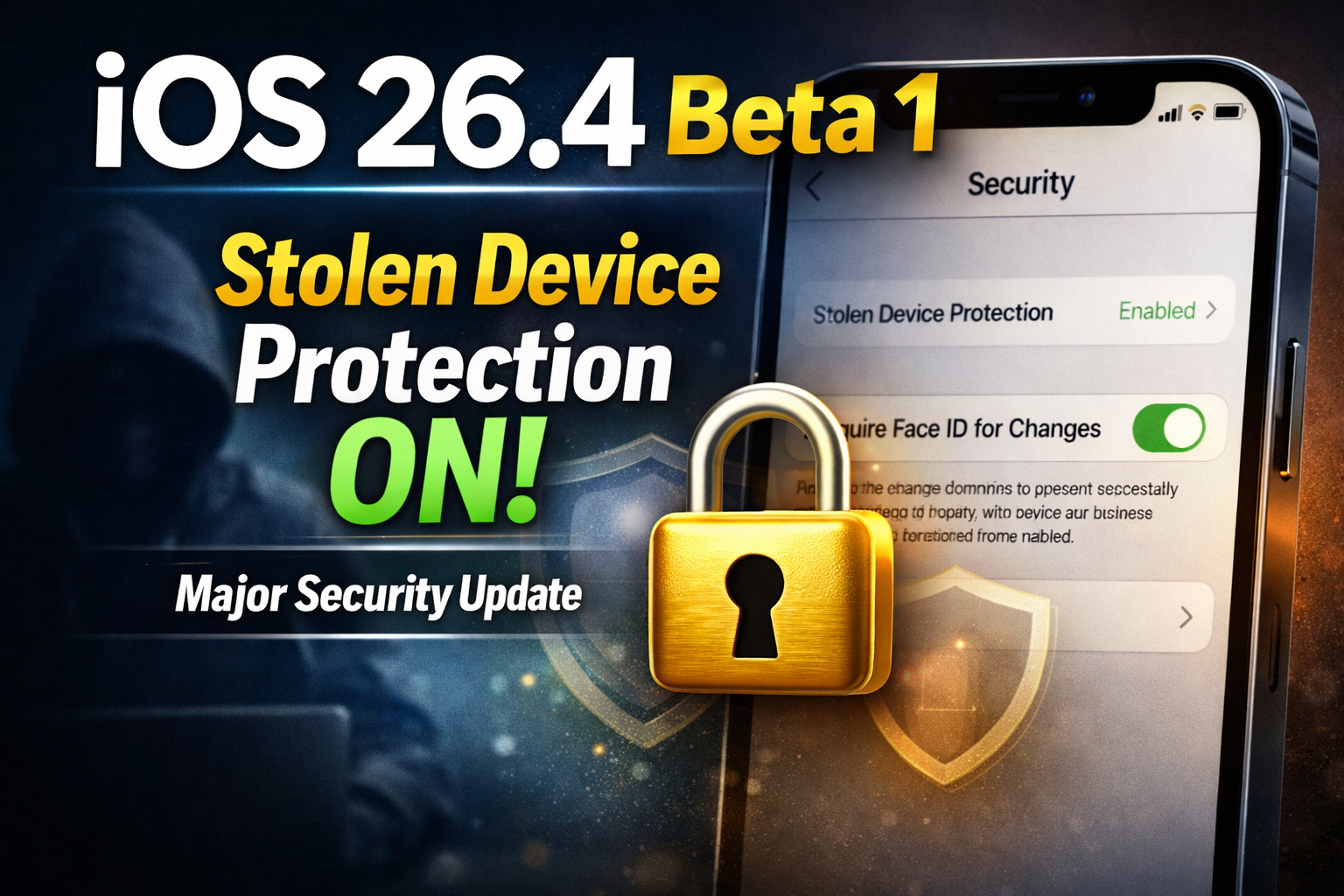
Apple has always been known for prioritizing user privacy and device security. With every iOS update, the company introduces new features and improvements aimed at making iPhones safer and more reliable. Recently, several online discussions and tech forums have started circulating reports about iOS 26.4 beta 1 features, with the biggest highlight being a claim that Apple may enable Stolen Device Protection by default for all iPhones.
However, after reviewing the available information, it is important to clarify that Apple has not officially confirmed iOS 26.4 beta 1 or its release notes through verified public documentation. For this reason, the update should currently be treated as a reported or rumored development, rather than a confirmed official announcement.
What Is Stolen Device Protection?
Stolen Device Protection is a real Apple security feature designed to protect iPhone users if their device is stolen. Even if someone gains access to the phone passcode, the feature adds extra layers of security to prevent unauthorized users from taking full control of the device.
This feature is built to protect sensitive actions such as:
- Changing Apple ID passwords
- Removing the device from iCloud
- Disabling Find My iPhone
- Accessing saved passwords and payment information
The main purpose is to ensure that a stolen iPhone cannot be quickly taken over, locked out, or permanently hijacked.
Reported Feature: Stolen Device Protection Enabled by Default
According to reports circulating online, Apple may be preparing to make Stolen Device Protection automatically enabled by default in iOS 26.4 beta 1.
If true, this would be a major shift in Apple’s approach, since the feature previously required users to manually enable it from settings. Many users are unaware of the option, which means their iPhones remain vulnerable in theft situations.
If Apple enables it by default, it would ensure that all users benefit from stronger security immediately after updating.
Important point: This information is currently not officially verified.
Why Apple Might Make It Default
In recent years, iPhone theft cases have increased in many regions, and thieves have become more skilled at exploiting stolen devices. In many cases, stolen phones are quickly reset, removed from iCloud, or the Apple ID is changed before the original owner can respond.
By enabling Stolen Device Protection by default, Apple could reduce:
- iCloud account takeovers
- Loss of personal photos and data
- Unauthorized access to banking and payment apps
- Permanent loss of Apple ID control
This would strengthen Apple’s security ecosystem and protect even users who are not tech-savvy.
Other Expected iOS 26.4 Beta 1 Improvements.
If iOS 26.4 beta 1 is released, the update is expected to focus mainly on security and performance enhancements.
Security Delay Improvements
One of the key parts of Stolen Device Protection is the security delay system. This adds a waiting period before certain sensitive actions can be completed. This delay gives the iPhone owner enough time to track the device using Find My and secure their account.
Better iCloud and Find My Protection
The update may also improve restrictions on disabling Find My and removing iPhones from iCloud, which are common actions performed by thieves.
Performance and Battery Optimization
As with most iOS updates, users may see improvements such as:
- Better background app management
- Reduced battery drain
Smoother overall system performance
Bug Fixes and System Stability
Beta updates often include multiple bug fixes and improvements for common system issues, including:
- WiFi connection stability
- Bluetooth pairing improvements
- Reduced app crashes
- Improved notifications and system responsiveness
Fact Check Summary: What Is Confirmed and What Is Not?
To avoid spreading misinformation, it is important to separate verified facts from rumors.
Confirmed information:
- Stolen Device Protection is a real Apple security feature.
- The feature is designed to protect Apple ID and sensitive settings in theft situations.
Not confirmed yet:
- iOS 26.4 beta 1 release details.
- Apple is officially enabling Stolen Device Protection by default for all iPhones.
Until Apple publishes official release notes, this update should be considered a report rather than confirmed news.
Real-Life Example: How Stolen Device Protection Helps
Consider a situation where a person loses their iPhone on public transport. If a thief manages to unlock the phone using the passcode, they may attempt to change the Apple ID password and disable Find My to prevent tracking.
Without Stolen Device Protection:
- The thief may quickly change Apple ID credentials.
- The owner may lose access permanently.
- The device could be erased and resold easily.
With Stolen Device Protection enabled:
- Biometric authentication (Face ID or Touch ID) becomes required for critical actions.
- Security delay prevents immediate changes.
- The owner gets time to locate and secure the device.
This is why enabling the feature is strongly recommended for iPhone users.
The discussion around iOS 26.4 beta 1 features has gained attention mainly because of reports claiming Apple may enable Stolen Device Protection by default. If Apple officially introduces this change, it could become one of the most important iPhone security upgrades in recent years.
However, since Apple has not yet confirmed these details publicly, users should treat the information as an early report. Still, the feature itself is already available and remains highly valuable for protecting personal data and preventing account hijacking.
If Apple confirms iOS 26.4 beta 1 in the coming days, more accurate information will become available through official update notes.
0 COMMENTS:

NVIDIA DGX Station for Windows Brings Trillion-Parameter AI to the Desktop
NVIDIA has introduced DGX Station for Windows, a powerful AI workstation capable of running trillio…

Cybersecurity Tips to Stay Safe Online | Digital Safety Guide
Learn essential cybersecurity tips to protect your accounts, personal data, and privacy online. Sta…

OpenClaw: Nvidia’s Next ChatGPT & AI Future | NemoClaw
Nvidia CEO Jensen Huang calls OpenClaw the next ChatGPT. Discover NemoClaw and how autonomous AI ag…

NVIDIA DLSS 5 Explained: Realistic Lighting & RTX 50-Series Performance
Discover NVIDIA DLSS 5: AI-powered upscaling and improved ray tracing for RTX 50-Series GPUs. Learn…

Crimson Desert Editions Explained: What Comes in Each Edition?
Discover what comes in each Crimson Desert edition. Compare Standard, Deluxe, and Collector’s Editi…
iOS 26.4 Beta 1 Features: Stolen Device Protection Default for All iPhones
Discover the latest iOS 26.4 beta 1 features. Reports suggest Apple may enable Stolen Device Protec…

Google Pixel 10a First Look: Leaks, Expected Specs, Price & Release Date
Get your first look at the new Google Pixel 10a. Explore the latest leaks, expected specs, camera u…

How to Report Phishing: A Comprehensive Guide to Stay Safe Online
Learn what phishing is and how to report phishing scams. This complete guide explains phishing sign…

Race for AI Could Trigger Hindenburg-Style Disaster: Expert Warning
Leading AI expert warns that the global race for artificial intelligence could create a Hindenburg-…
Essential Cybersecurity Tips for All Gadget Users – Protect Your Data
Learn the top cybersecurity tips for smartphones, laptops, tablets, and smart devices. Protect your…