How to Report Phishing: A Comprehensive Guide to Stay Safe Online
maya6 | Feb. 18, 2026
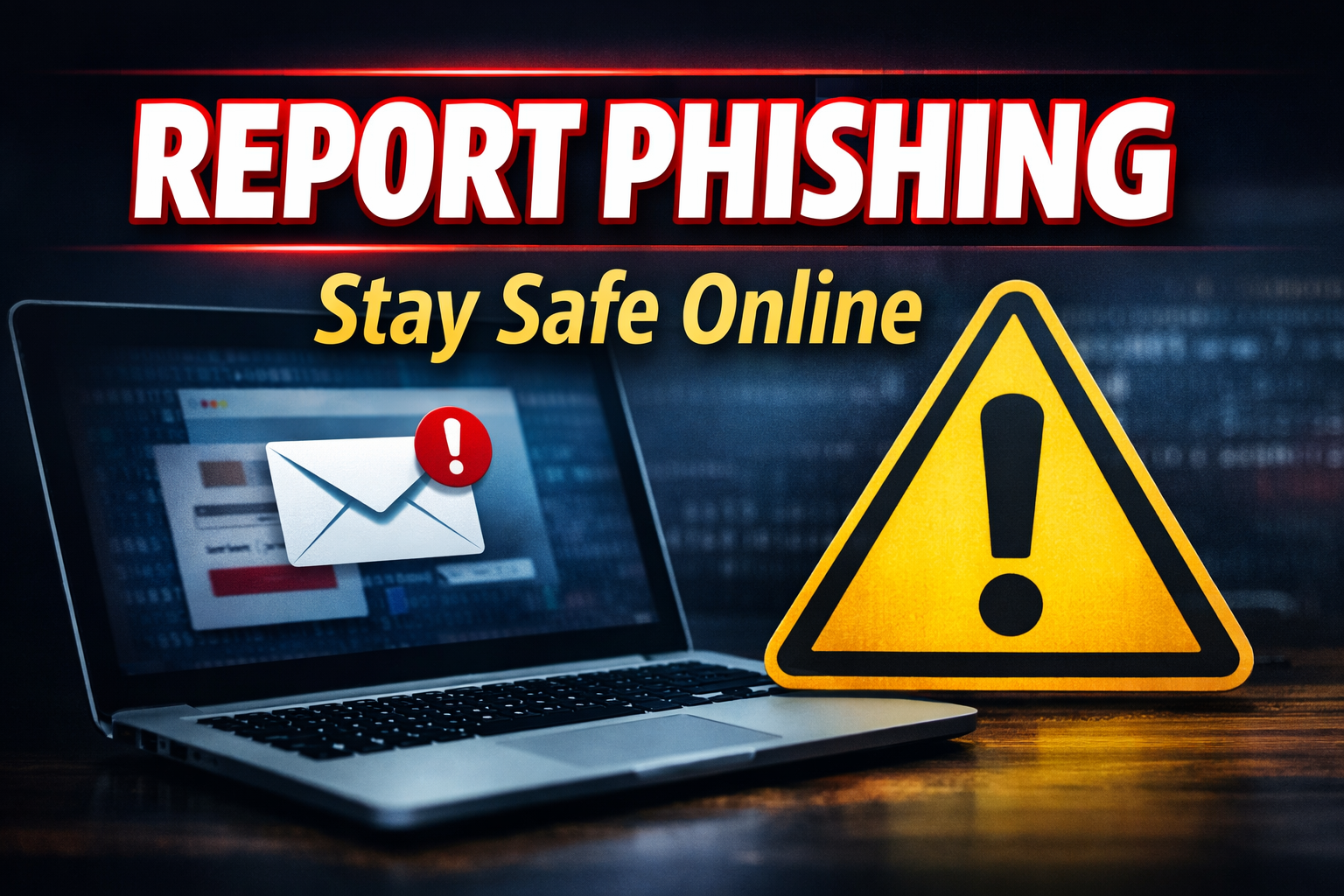
In today’s digital world, the internet has become an essential part of our daily lives. People use online banking, social media platforms, e-wallets, email services, and online shopping websites almost every day. While technology has made life easier, it has also increased the risk of cybercrime. One of the most common and dangerous cyber threats is phishing. This is why many people search for “what is phishing,” because phishing scams can lead to serious financial loss and personal data theft.
Phishing is a type of cyberattack in which scammers or hackers pose as trusted organizations, such as banks, e-wallet companies, government offices, or popular platforms like Google, Facebook, and PayPal. The main goal of phishing is to trick people into sharing sensitive information, such as passwords, PINs, OTPs, bank account details, or credit card information. Phishing usually happens via email, text message, phone call, or a fake website. These scams often look real and convincing, which makes them dangerous for ordinary users.
The way phishing works is simple but effective. First, the scammer sends a message that creates fear or urgency, such as “Your account will be blocked” or “Immediate verification required.” The message includes a suspicious link. Once the victim clicks the link, they are taken to a fake website that looks almost identical to the real one. The website then asks the user to log in or enter personal details. If the user enters their information, the hacker immediately collects it and can use it to steal money, access accounts, or commit identity fraud.
There are several common types of phishing. Email phishing is the most widely used method, where fake emails are sent pretending to be from banks or trusted companies. SMS phishing, also known as smishing, happens through text messages that contain scam links. Voice phishing, or vishing, is done through phone calls where scammers pretend to be customer service agents and ask for OTPs or bank information. Social media phishing has also become very common, where scammers create fake profiles and send suspicious links through Facebook or Instagram messages. Another dangerous method is fake website phishing, where scammers create a cloned website with a slightly different URL to trick users.
It is very important to know how to identify phishing attempts. Some common warning signs include suspicious email addresses, spelling and grammar mistakes, urgent messages that pressure you to act quickly, unknown links, and messages promising prizes or rewards. Another major red flag is when a company asks for your OTP, PIN, or password. A genuine bank or trusted organization will never ask for OTP or PIN through messages or phone calls. If someone asks for OTP, it is almost certainly a scam.
Once you suspect phishing, the next step is reporting it properly. The first and most important rule is not to click the suspicious link. If you have already clicked the link, do not panic, but take action immediately. You should change your password right away and enable two-factor authentication to secure your account. If you shared bank details, you must contact your bank immediately to block your card or freeze transactions.
Before reporting phishing, it is important to collect evidence. Taking screenshots of the email, SMS, or fake website link is helpful. Saving the sender’s email address or phone number can also support the investigation. Evidence makes it easier for authorities or platforms to identify scammers.
If phishing happens through email, you should report it directly to your email provider. For example, Gmail provides a “Report phishing” option. When you report phishing, the platform can block the scam email and warn other users. Similarly, Outlook and other email services have reporting options. Reporting phishing emails helps reduce the spread of scams.
If the phishing scam happens through social media, you should report the fake account or suspicious message directly through the platform. Facebook and Instagram both allow users to report profiles and messages for scams or fraud. This can lead to the scam account being removed and helps protect other users.
If the phishing attempt involves your bank or online wallet, you must report it immediately to the bank or wallet service. This is critical because scammers can steal money within minutes. You should request that the company block your account or stop suspicious transactions. You should also reset your password and update your security settings.
If you find a fake website, it can also be reported through tools like Google Safe Browsing. Reporting phishing websites helps Google flag them as dangerous and prevents other users from accessing them.
In Nepal, phishing and cyber fraud cases can also be reported to the Nepal Police Cyber Bureau. If you are a victim of phishing, you should provide evidence such as screenshots, scammer contact details, and transaction proof if money has been stolen. Reporting to cyber authorities increases the chance of tracking scammers and stopping future crimes.
To stay safe from phishing attacks, prevention is always better than recovery. Users should avoid clicking unknown links, never share OTP or PIN, and use strong passwords. It is also important not to reuse the same password for multiple accounts. Enabling two-factor authentication provides extra security. Users should only log in through official websites and avoid using public WiFi for online banking. Keeping devices updated and using antivirus protection can also reduce cyber risks.
A simple example of phishing can be seen in online wallet scams. For instance, a person may receive an SMS saying, “Your e-wallet account will be blocked, verify now,” along with a suspicious link. The website looks real, but the URL is different. The website then asks for login details and OTP. If the person enters the OTP, the scammer can immediately access the wallet and steal money. In such a situation, the correct action is to close the website, save evidence, report the message, and contact customer service immediately.
In conclusion, phishing is one of the most serious cyber threats today. It can lead to financial loss, account hacking, and identity theft. Understanding what phishing is and learning how to report phishing properly is necessary for everyone who uses the internet. If people remain alert, avoid suspicious links, and report phishing attempts quickly, they can protect themselves and also help protect others from becoming victims. Cybersecurity starts with awareness, and reporting phishing is one of the best ways to fight against online scams.
0 COMMENTS:

NVIDIA DGX Station for Windows Brings Trillion-Parameter AI to the Desktop
NVIDIA has introduced DGX Station for Windows, a powerful AI workstation capable of running trillio…
Cybersecurity Tips to Stay Safe Online | Digital Safety Guide
Learn essential cybersecurity tips to protect your accounts, personal data, and privacy online. Sta…

OpenClaw: Nvidia’s Next ChatGPT & AI Future | NemoClaw
Nvidia CEO Jensen Huang calls OpenClaw the next ChatGPT. Discover NemoClaw and how autonomous AI ag…

NVIDIA DLSS 5 Explained: Realistic Lighting & RTX 50-Series Performance
Discover NVIDIA DLSS 5: AI-powered upscaling and improved ray tracing for RTX 50-Series GPUs. Learn…

Crimson Desert Editions Explained: What Comes in Each Edition?
Discover what comes in each Crimson Desert edition. Compare Standard, Deluxe, and Collector’s Editi…

iOS 26.4 Beta 1 Features: Stolen Device Protection Default for All iPhones
Discover the latest iOS 26.4 beta 1 features. Reports suggest Apple may enable Stolen Device Protec…

Google Pixel 10a First Look: Leaks, Expected Specs, Price & Release Date
Get your first look at the new Google Pixel 10a. Explore the latest leaks, expected specs, camera u…
How to Report Phishing: A Comprehensive Guide to Stay Safe Online
Learn what phishing is and how to report phishing scams. This complete guide explains phishing sign…

Race for AI Could Trigger Hindenburg-Style Disaster: Expert Warning
Leading AI expert warns that the global race for artificial intelligence could create a Hindenburg-…
Essential Cybersecurity Tips for All Gadget Users – Protect Your Data
Learn the top cybersecurity tips for smartphones, laptops, tablets, and smart devices. Protect your…