Python Packaging Explained: setup.py vs pyproject.toml (Modern Guide 2026)
bigsansar | March 26, 2026
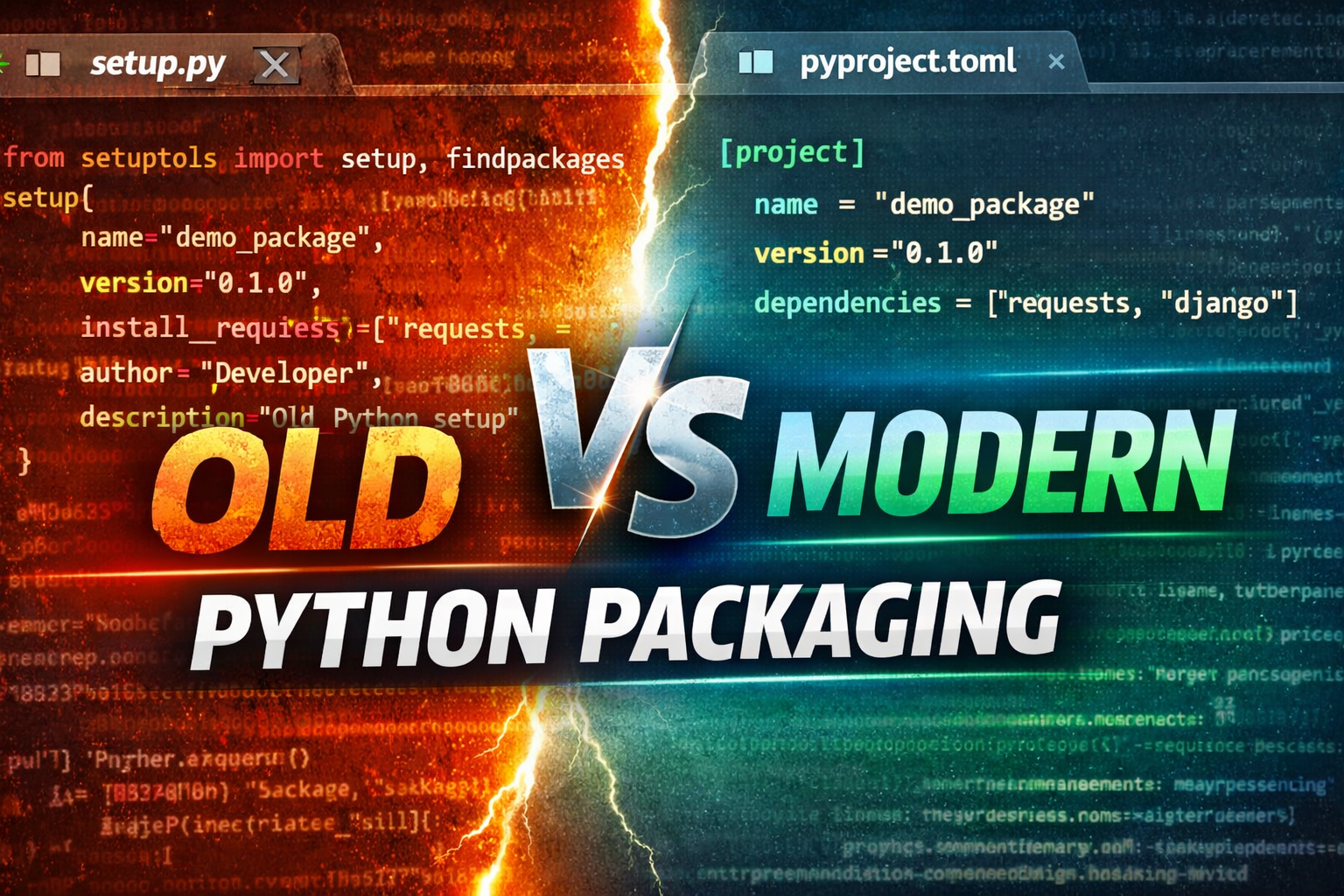
Python packaging has evolved significantly over the years. What started as a script-based system using setup.py has now shifted toward a clean, standardized, and declarative configuration approach using pyproject.toml. Understanding this transition is important for modern Python development.
What is Python Packaging?
Python packaging is the process of organizing your code so that it can be easily:
- Installed using
pip - Reused in other projects
- Shared via PyPI (Python Package Index)
- Maintained with proper dependencies
Example:
pip install requests
This is only possible because the library is properly packaged.
Old Approach: setup.py
Earlier, Python packages were defined using a file called setup.py. This file is a Python script that describes how the package should be built and installed.
Example:
from setuptools import setup, find_packages

setup(
    name="demo_package",
    version="0.1.0",
    packages=find_packages(),
    install_requires=["requests", "django"],
    author="Developer",
    description="Simple Python package"
)
Key Limitations of setup.py
Important Points:
- It is Python code (not just configuration)
- It gets executed during build time
- Allows logic (loops, conditions), which can lead to inconsistent builds
- Harder for modern tools to analyze reliably
Conclusion: It is flexible, but not predictable or standardized.
Modern Approach: pyproject.toml
Modern Python packaging uses a declarative configuration file called pyproject.toml.
Instead of writing Python code, you only define the configuration.
Example:
[build-system]
requires = ["setuptools", "wheel"]
build-backend = "setuptools.build_meta"

[project]
name = "demo_package"
version = "0.1.0"
description = "Modern Python package"

authors = [
  { name = "Developer" }
]

dependencies = [
  "requests",
  "django"
]
Why pyproject.toml is Better
Key Advantages:
- Declarative (no code execution)
- Predictable builds
- Standardized across tools (PEP 517 / 518 / 621)
- Better compatibility with modern tools
- Cleaner and easier to maintain
Tools like Poetry, Hatch, and PDM are built around this approach.
Comparison: setup.py vs pyproject.toml
| Feature | setup.py | pyproject.toml |
|---|---|---|
| Style | Imperative (Python code) | Declarative (config) |
| Safety | Lower (executes code) | Higher (no execution) |
| Readability | Medium | High |
| Standard | Legacy | Modern standard |
| Tooling | Limited | Strong ecosystem support |
Modern Project Structure (Best Practice)
A recommended Python project layout:
my_project/
│
├── pyproject.toml
├── README.md
├── src/
│   └── myapp/
│       ├── __init__.py
│       ├── main.py
│       └── utils.py
Important:
src/layout helps prevent import issues- Keeps production structure clean and scalable
Build Process in Modern Python
To build a package:
python -m build
This generates:
dist/
 ├── myapp-0.1.0-py3-none-any.whl
 └── myapp-0.1.0.tar.gz
Key Takeaways:
setup.pyis legacy but still supportedpyproject.tomlis the modern standard- Python packaging is moving toward fully declarative systems
- Modern tools prefer predictability over flexibility
If you're starting a new project today, pyproject.toml is the recommended approach.
0 COMMENTS:
Python to EXE using PyInstaller + Installer with Desktop Shortcut (Kivy Guide)
Learn how to convert a Python (Kivy/KivyMD) app into a standalone EXE using PyInstaller and create …
Python Class and Object Explained | OOP Concepts in Python for Beginners
Learn Python Class and Object in simple terms with real-life examples. Understand OOP concepts like…
Create Command Line Utility in Python | Beginner CLI Tutorial (Argparse & Sys.argv)
Learn how to create a Command Line Utility in Python step-by-step. This beginner-friendly guide exp…
Argparse Subparsers Python Guide – Create CLI Subcommands with Examples
Learn how to create subcommands in Python using argparse subparsers. This complete guide covers con…
Python Packaging Explained: setup.py vs pyproject.toml (Modern Guide 2026)
Learn Python packaging from setup.py to modern pyproject.toml. Understand differences, best practic…
Build a Web Framework in Python from Scratch | Complete Guide
Learn how to build a web framework in Python from scratch using WSGI. Understand routing, request h…