Create Command Line Utility in Python | Beginner CLI Tutorial (Argparse & Sys.argv)
bigsansar | March 30, 2026
In today’s digital world, automation plays a crucial role in making tasks faster and more efficient. Instead of performing repetitive tasks manually, we can use Python to create command-line tools (CLI tools) that help us save time and improve productivity.
A command-line utility is a program that runs from the terminal (such as CMD, PowerShell, or Linux terminal). For example, when we run a command like python app.py hello, the word hello is passed as an input (argument) to the program. This allows users to interact with programs directly from the command line.
Python provides two main ways to create CLI tools. The first method is using sys.argv, which is simple and suitable for beginners. It allows us to access command-line arguments as a list. The first element (sys.argv[0]) represents the script name, while the remaining elements are user inputs. However, it is important to validate inputs using len(sys.argv) to avoid runtime errors.
The second and more advanced method is using the argparse module, which is highly recommended for real-world applications. This module is built into Python, so no installation is required. It provides several useful features such as:
- Automatic help messages (
--help) - Type validation (e.g., int, string)
- Better error handling
- Cleaner and more structured code
Because of these advantages, argparse is considered best practice for building professional CLI tools.
Another powerful feature of CLI applications is the ability to use multiple commands (sub-commands). This allows a single program to perform different tasks. For example, one command can add numbers while another subtracts them. This makes the tool more flexible and practical for real-world use.
In practical scenarios, Python CLI tools can be extremely useful. For instance, a file-renaming tool can automatically rename all files in a folder. This is especially helpful for organizing photos, documents, or managing large amounts of data. By using Python’s built-in os module, we can access files in a directory and rename them efficiently.
Overall, creating command-line utilities in Python is both simple and powerful. Beginners can start with sys.argv to understand the basics, and then move on to argparse for building more advanced and professional tools. These tools not only help automate tasks but also enhance development skills.
In conclusion, even small CLI tools can solve significant real-life problems. Beginners are encouraged to start with simple projects such as a calculator, greeting tool, or file manager, and gradually move toward more complex applications. With consistent practice, anyone can become proficient in building useful command-line utilities.
Key Takeaways:
- CLI tools help automate repetitive tasks
sys.argvis simple but requires manual validationargparseis the recommended and professional approach- Sub-commands make tools more powerful and flexible
- Real-world tools like file renamers are highly practical
Consistent practice and experimentation are the keys to mastering this skill.
0 COMMENTS:
Python to EXE using PyInstaller + Installer with Desktop Shortcut (Kivy Guide)
Learn how to convert a Python (Kivy/KivyMD) app into a standalone EXE using PyInstaller and create …

Python Class and Object Explained | OOP Concepts in Python for Beginners
Learn Python Class and Object in simple terms with real-life examples. Understand OOP concepts like…
Create Command Line Utility in Python | Beginner CLI Tutorial (Argparse & Sys.argv)
Learn how to create a Command Line Utility in Python step-by-step. This beginner-friendly guide exp…
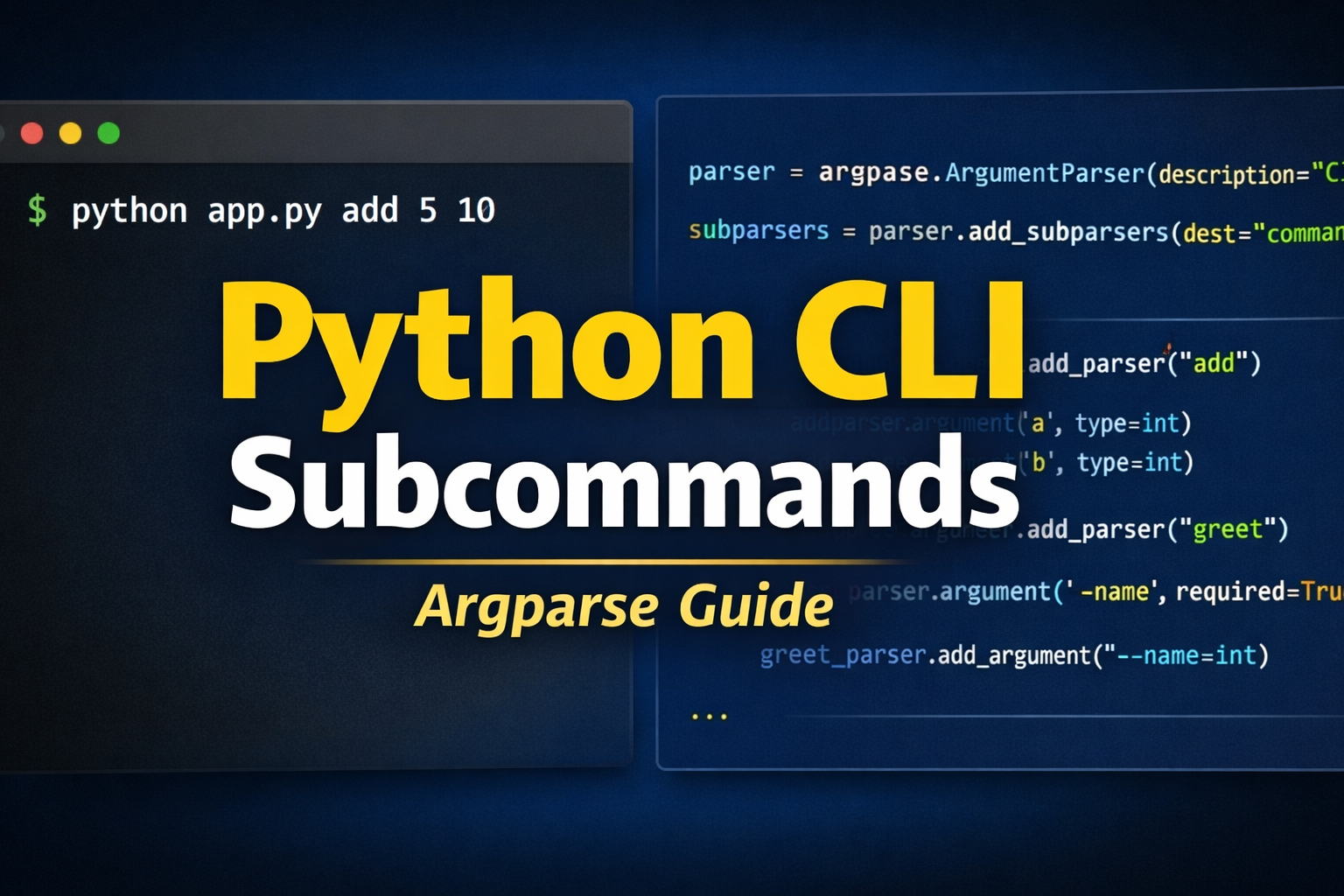
Argparse Subparsers Python Guide – Create CLI Subcommands with Examples
Learn how to create subcommands in Python using argparse subparsers. This complete guide covers con…
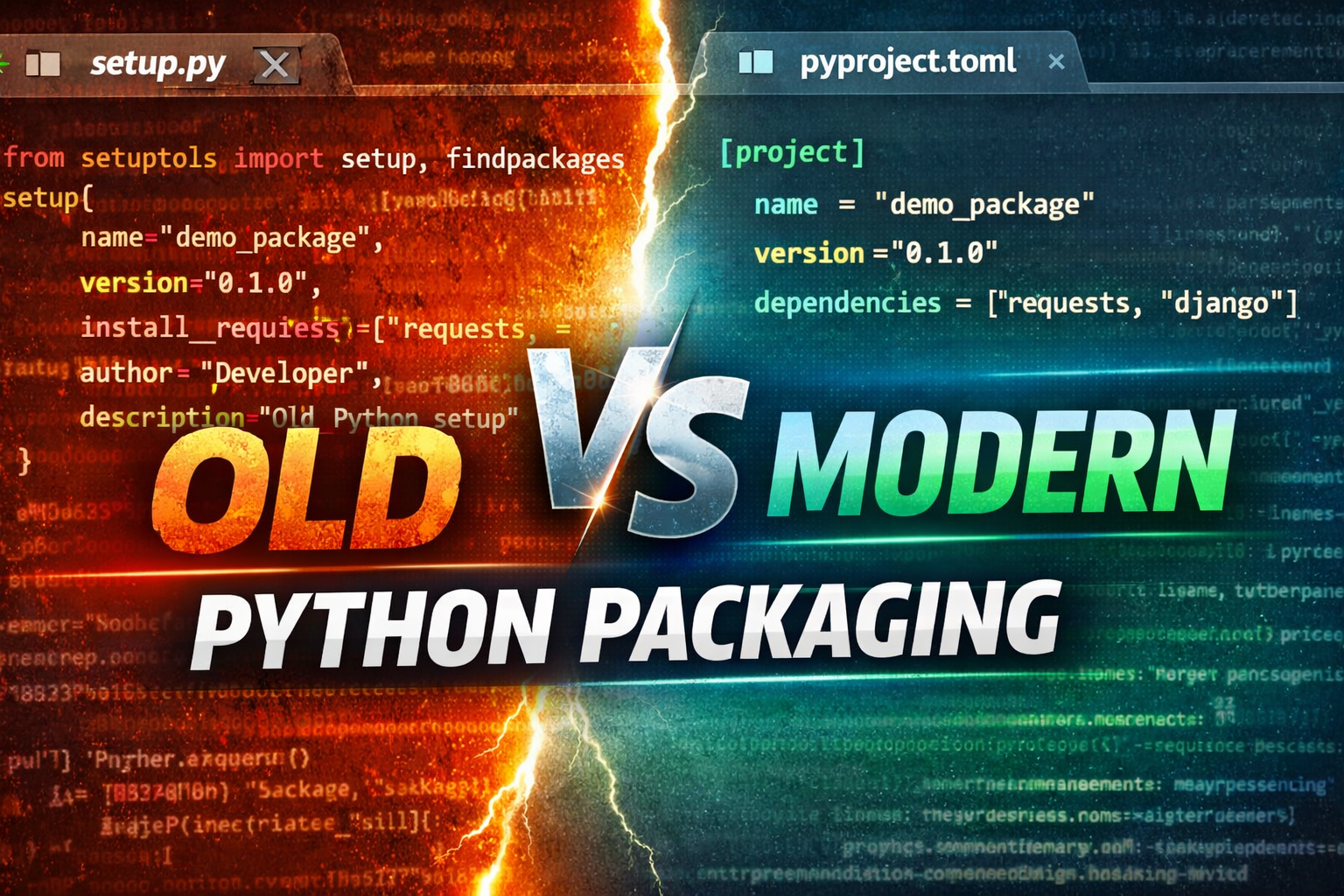
Python Packaging Explained: setup.py vs pyproject.toml (Modern Guide 2026)
Learn Python packaging from setup.py to modern pyproject.toml. Understand differences, best practic…
Build a Web Framework in Python from Scratch | Complete Guide
Learn how to build a web framework in Python from scratch using WSGI. Understand routing, request h…