Argparse Subparsers Python Guide – Create CLI Subcommands with Examples
bigsansar | March 30, 2026
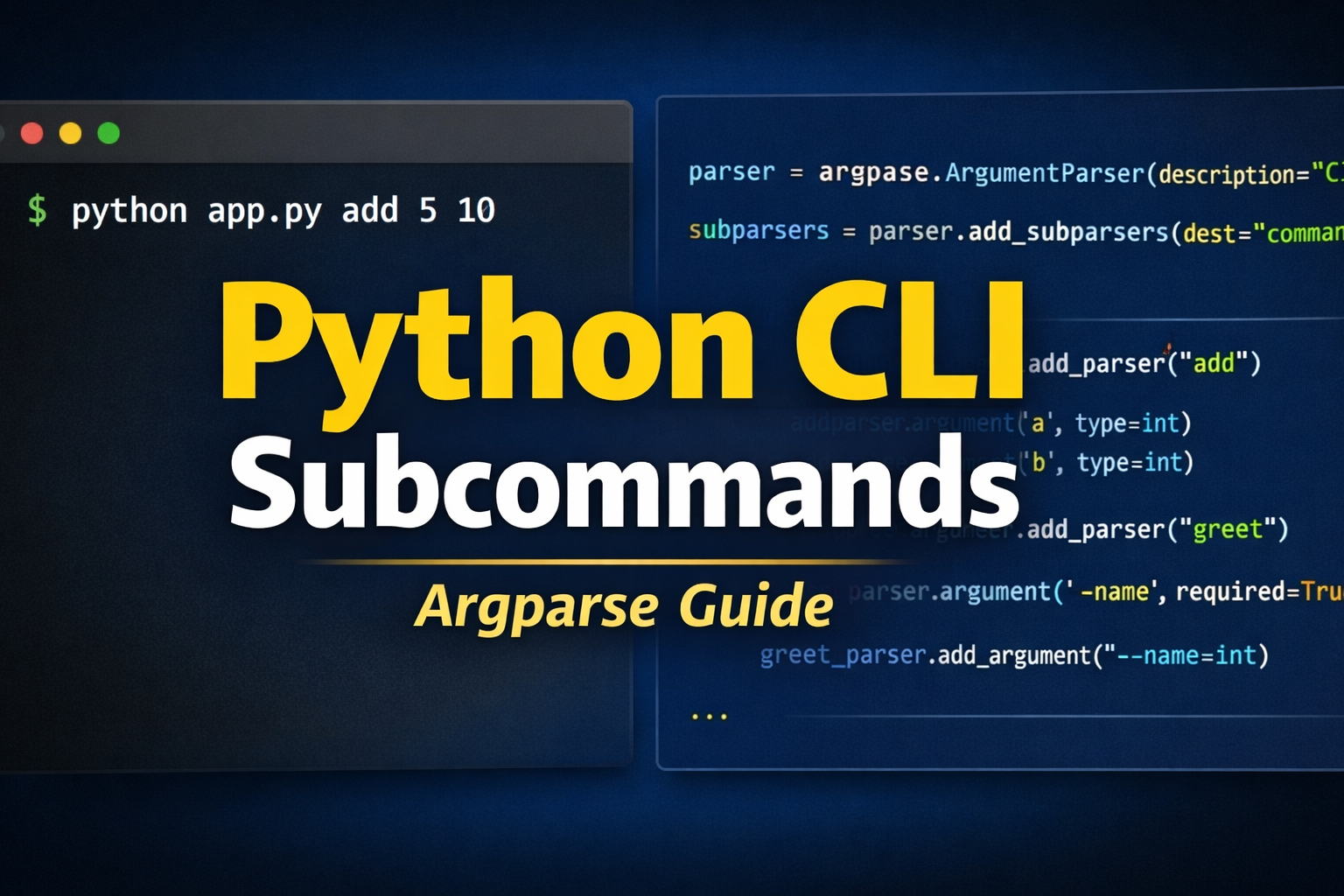
When building command-line tools (CLI) in Python, you often need multiple commands inside a single program. Tools like Git use commands such as add, commit, and push, where each command has different arguments and performs a different task.
To achieve this structure in Python, the built-in The argparse module provides a powerful feature called subparsers.
This article explains how subparsers work, how to use them correctly, and how to build clean, scalable CLI applications.
What are Subparsers?
Subparsers allow you to define multiple subcommands within one program, where each subcommand can have:
- Its own arguments
- Its own logic (function)
In simple terms:
- Main script = entry point
- Subcommands = different operations
- Each subcommand = separate arguments + behavior
Example usage:
python app.py add 5 10
python app.py greet --name Ram
Here, add and greet are different subcommands with different arguments.
Important Facts (Verified)
The following points are essential and fact-checked:
add_subparsers()is used to create subcommandsadd_parser()defines each individual subcommand- Each subcommand can have completely different arguments
dest="command"stores the selected command name
Important note:
required=TrueSubparsers work properly only in Python 3.7 and above- In older versions, you must manually check if a command is provided
How Subparsers Work (Concept Flow)
To use subparsers effectively, follow this structure:
- Create the main argument parser
- Add subparsers container
- Define each subcommand using
add_parser() - Attach different arguments to each subcommand
- Execute logic based on the selected command
This approach keeps your CLI tool clean and organized.
Practical Example
Below is a real-world style CLI tool with three subcommands:
add→ adds two numbersgreet→ greets a userdelete→ simulates file deletion
import argparse

# Functions
def add_numbers(args):
    print(f"Sum is: {args.a + args.b}")

def greet_user(args):
    print(f"Hello, {args.name}!")
    if args.age:
        print(f"You are {args.age} years old.")

def delete_file(args):
    print(f"Deleting file: {args.filename}")
    if args.force:
        print("Force delete enabled!")

# Main parser
parser = argparse.ArgumentParser(description="CLI Tool")

subparsers = parser.add_subparsers(dest="command", required=True)

# add command
add_parser = subparsers.add_parser("add")
add_parser.add_argument("a", type=int)
add_parser.add_argument("b", type=int)
add_parser.set_defaults(func=add_numbers)

# greet command
greet_parser = subparsers.add_parser("greet")
greet_parser.add_argument("--name", required=True)
greet_parser.add_argument("--age", type=int)
greet_parser.set_defaults(func=greet_user)

# delete command
delete_parser = subparsers.add_parser("delete")
delete_parser.add_argument("filename")
delete_parser.add_argument("--force", action="store_true")
delete_parser.set_defaults(func=delete_file)

# Run
args = parser.parse_args()
args.func(args)
How to Use This CLI Tool
Add command:
python app.py add 10 20
Output:
Sum is: 30
Greet command:
python app.py greet --name Sita --age 22
Output:
Hello, Sita!
You are 22 years old.
Delete command:
python app.py delete file.txt --force
Output:
Deleting file: file.txt
Force delete enabled!
Key Advantages of Using Subparsers
Subparsers provide several important benefits:
- Clean and modular code structure
- Easy handling of multiple commands
- Flexibility for different argument types
- Scalable for large applications
This is why professional tools like Git and Docker follow a similar structure.
Best Practice
Instead of using multiple if-else conditions, use:
args.func(args)
By assigning functions using:
set_defaults(func=your_function)
This makes your code:
- More readable
- Easier to maintain
- Better structured
Using argparse Subparsers is the best approach for building multi-command CLI tools in Python. It allows you to manage different commands, handle separate arguments, and maintain a clean code architecture.
If used properly, you can build advanced tools similar to real-world CLI applications.
You can further extend this by exploring:
- Nested subcommands
- Large-scale CLI project structure
- Integration with APIs, such as a Django backend
This makes subparsers a powerful and essential tool for any Python developer working with command-line interfaces.
0 COMMENTS:
Python to EXE using PyInstaller + Installer with Desktop Shortcut (Kivy Guide)
Learn how to convert a Python (Kivy/KivyMD) app into a standalone EXE using PyInstaller and create …

Python Class and Object Explained | OOP Concepts in Python for Beginners
Learn Python Class and Object in simple terms with real-life examples. Understand OOP concepts like…

Create Command Line Utility in Python | Beginner CLI Tutorial (Argparse & Sys.argv)
Learn how to create a Command Line Utility in Python step-by-step. This beginner-friendly guide exp…
Argparse Subparsers Python Guide – Create CLI Subcommands with Examples
Learn how to create subcommands in Python using argparse subparsers. This complete guide covers con…
Python Packaging Explained: setup.py vs pyproject.toml (Modern Guide 2026)
Learn Python packaging from setup.py to modern pyproject.toml. Understand differences, best practic…

Build a Web Framework in Python from Scratch | Complete Guide
Learn how to build a web framework in Python from scratch using WSGI. Understand routing, request h…