Django Admin Site Explained | Complete Introduction for Beginners (Django Tutorial)Django Admin Site
bigsansar | March 31, 2026
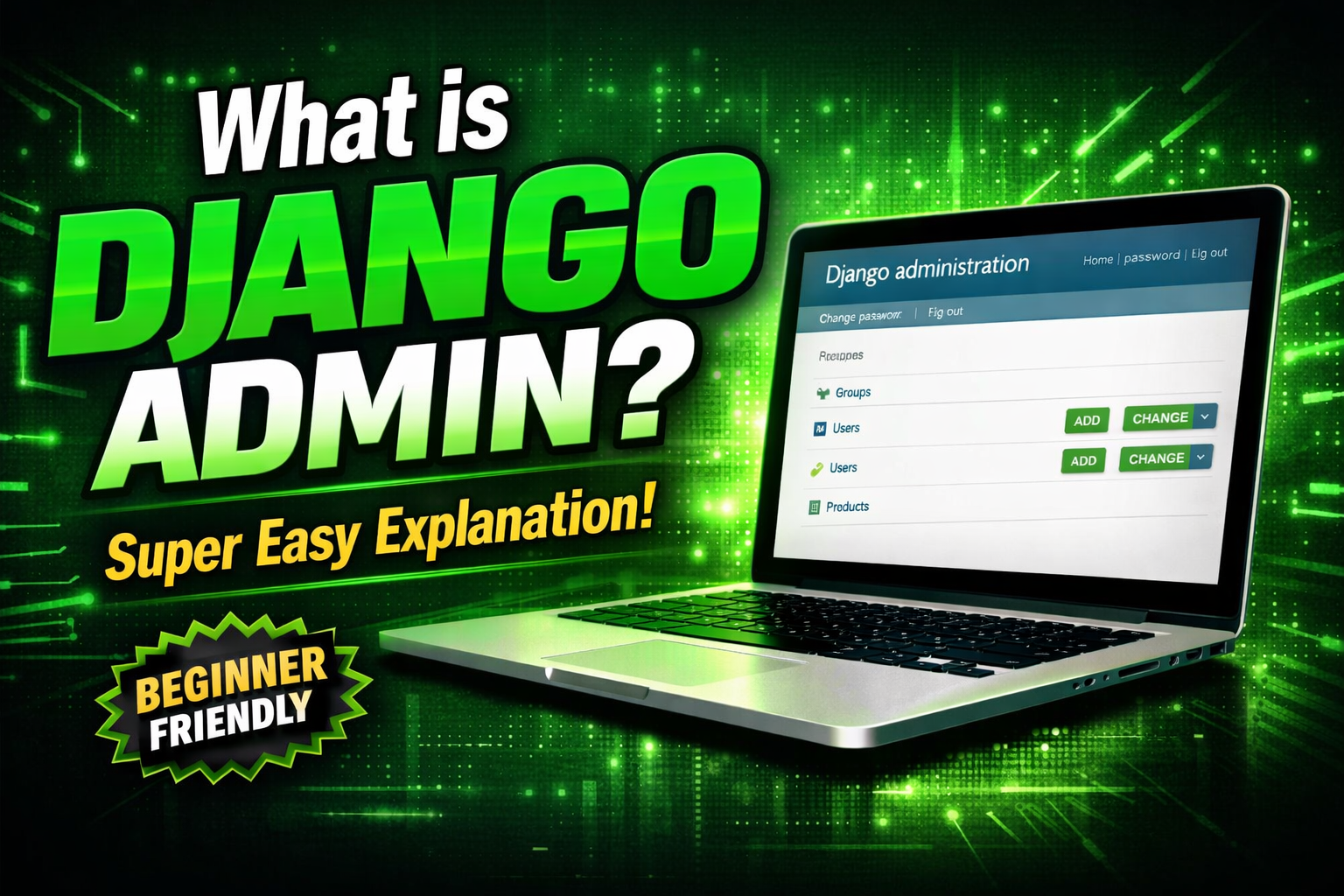
Django is a powerful Python web framework used to build secure, fast, and scalable web applications. One of its most valuable built-in features is the Django Admin Site, which makes database management extremely easy without writing frontend code.
What is Django Admin Site?
The Django Admin Site is a built-in web interface that comes automatically with every Django project. It allows developers to manage database content directly from the browser.
You do not need to build a separate UI. Django automatically generates an admin panel for your models.
Key Features (Important Points)
✔ No Frontend Required
Django auto-generates the admin interface.
✔ Fast Database Management
You can quickly add, edit, or delete data.
✔ Secure Access
Only superusers or staff users can log in.
✔ Built-in Tool
No extra installation or third-party packages needed.
What You Can Do with Django Admin
Through the admin panel, you can:
- Add new records
- Edit existing data
- Delete unwanted data
- Search and filter records
This makes backend management very efficient.
How Django Admin Works
The Django Admin Site works directly with your models.py file.
Simple Flow:
- Create a model (e.g., Product, User, Order)
- Register it in
admin.py - Django automatically creates an admin interface
- Manage data through the browser
Simple Example
1. Model Example
from django.db import models

class Product(models.Model):
    name = models.CharField(max_length=100)
    price = models.IntegerField()

    def __str__(self):
        return self.name
2. Register in Admin
from django.contrib import admin
from .models import Product

admin.site.register(Product)
3. Create Superuser
python manage.py createsuperuser
4. Open Admin Panel
http://127.0.0.1:8000/admin
After logging in, you can manage all Product data easily.
Real-World Example
Imagine you are building an e-commerce website.
In Django Admin, you can manage:
- Product: Shoes – $2000
- Product: T-Shirt – $800
You can:
- Add new products instantly
- Update prices anytime
- Delete outdated items
All without building a frontend dashboard.
The Django Admin Site is one of the most powerful and time-saving features of Django. It simplifies backend management and allows developers to focus more on application logic rather than UI development.
It is an essential tool for both beginners and professional developers building real-world applications.
0 COMMENTS:
Django Admin Site Explained | Complete Introduction for Beginners (Django Tutorial)Django Admin Site
Learn Django Admin Site from scratch in this beginner-friendly tutorial. Understand what Django Adm…
Create Apache Configuration for Your Django wsgi Project
2025-06-07 03:59:24.874882+00:00
How to Create a Django App – Step by Step Guide
2025-06-07 03:59:24.874882+00:00
Understanding Python Files in a Django App – Full Guide for Beginners
2025-06-07 03:59:24.874882+00:00

Understanding Django Settings: The Backbone of Your Web App Configuration
2025-06-07 03:59:24.874882+00:00

How to Use Django collectstatic the Right Way
2025-06-07 03:59:24.874882+00:00