What is %(source.dir) in Buildozer? Complete Guide for Beginners
bigsansar | March 24, 2026
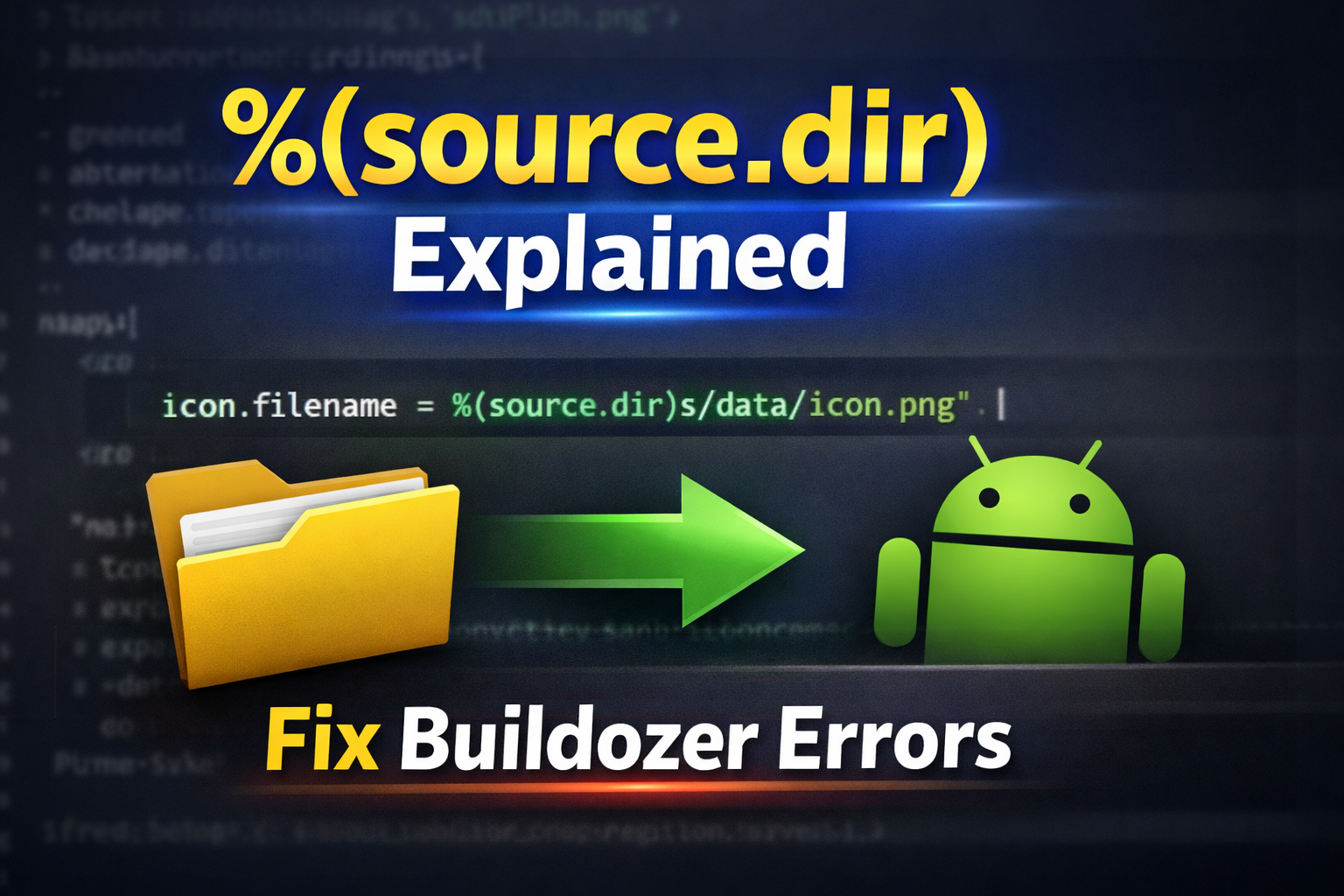
When building Android apps using Python (Kivy/KivyMD) with Buildozer, you often edit the buildozer.spec file. This file controls your app’s configuration, such as name, package, permissions, and file paths.
One line you may see looks like this:
icon.filename = %(source.dir)s/data/icon.png
This raises an important question:
👉 What exactly is %(source.dir)?
🔑 What is %(source.dir)?
%(source.dir) is a variable (placeholder) used by Buildozer.
👉 It represents your project’s root directory
(the folder where buildozer.spec is located)
During the build process, Buildozer automatically replaces this variable with the full absolute path to your project.
⚙️ How it works
Example:
icon.filename = %(source.dir)s/data/icon.png
During build, this becomes something like:
/home/user/myapp/data/icon.png
🔍 Breakdown:
%()→ variable syntaxsource.dir→ project root directorys→ string formatting specifier (required)
📂 Example Project Structure
myapp/
├── buildozer.spec
├── main.py
└── data/
    └── icon.png
Using:
icon.filename = %(source.dir)s/data/icon.png
✔ Buildozer will correctly locate the file regardless of where the project is stored.
⭐ Why use %(source.dir)?
✔ Portable projects
You can move your project anywhere (Desktop → Documents → another PC) without breaking paths.
✔ No need for absolute paths
Avoid writing long paths like:
/home/user/Desktop/myapp/...
✔ Cleaner and safer configuration
Especially useful in larger or shared projects.
⚠️ Important Rules
✅ Correct syntax
%(source.dir)s
👉 The s at the end is REQUIRED
❌ Common mistakes
Missing s
%(source.dir)/data/icon.png
Wrong format
%source.dir/data/icon.png
✔ Correct
%(source.dir)s/data/icon.png
🔁 Simple Alternative
If your file is in the root folder:
icon.filename = icon.png
✔ This also works fine for small/simple projects.
🚀 Important Note
After changing any file path in buildozer.spec, always rebuild:
buildozer android clean
buildozer android debug
👉 This ensures changes are properly applied.
🧾 Final Summary
%(source.dir)= your project root directory- Automatically replaced during build
- Makes your project portable, clean, and reliable
- Best practice for managing file paths in Buildozer
Using %(source.dir) correctly helps avoid path errors and keeps your project flexible across different systems.
1 COMMENTS:
If you have any problems, comment in the comment box, and we will reply.

How to Debug Kivy APK Crashes Using ADB Logcat (Complete Guide)
Learn how to debug Kivy APK crashes using ADB Logcat. Discover how to find Python tracebacks, ident…

How to Create an Internal Android WebView in KivyMD Using Pyjnius
Learn how to create an internal Android WebView in KivyMD using pyjnius. This complete tutorial exp…

KivyMD Blog List Reload Issue Fix | Prevent Repeated API Calls Using Cache
Learn how to fix Blog List reloading issue in KivyMD when navigating back from details screen. Unde…

Git & GitHub Complete Tutorial 2026 | Learn Version Control for Beginners
Learn Git and GitHub step-by-step in this complete guide. Understand version control, branching, me…
What is %(source.dir) in Buildozer? Complete Guide for Beginners
Learn what %(source.dir) means in Buildozer and how to use it correctly. Avoid path errors and make…
Fix WSA Play Store Crash on Windows 11 (Google Play Store Closing Issue Solved)
Google Play Store closing immediately in WSA on Windows 11? Learn why it happens and how to fix it …

Fix Kivy App Crash on Android (Loading Screen Closes) – Buildozer Guide
If your Kivy or KivyMD app installs but closes after showing a loading screen, this guide explains …
VS Code .env Not Working? Fix “Environment Injection Disabled” Warning Easily
Learn why the “.env environment injection disabled” warning appears in Visual Studio Code and how t…
KivyMD MDScreen vs ScreenManager Explained | Screen Switching Guide (Python)
Learn how to use MDScreen and ScreenManager in KivyMD to build multi-screen Python apps. Understand…
Professional Windows EXE Download Page | Script-Free HTML & CSS Design
Learn how to create a professional Windows EXE download page using only HTML and CSS. Script-free, …