KivyMD Blog List Reload Issue Fix | Prevent Repeated API Calls Using Cache
bigsansar | May 21, 2026
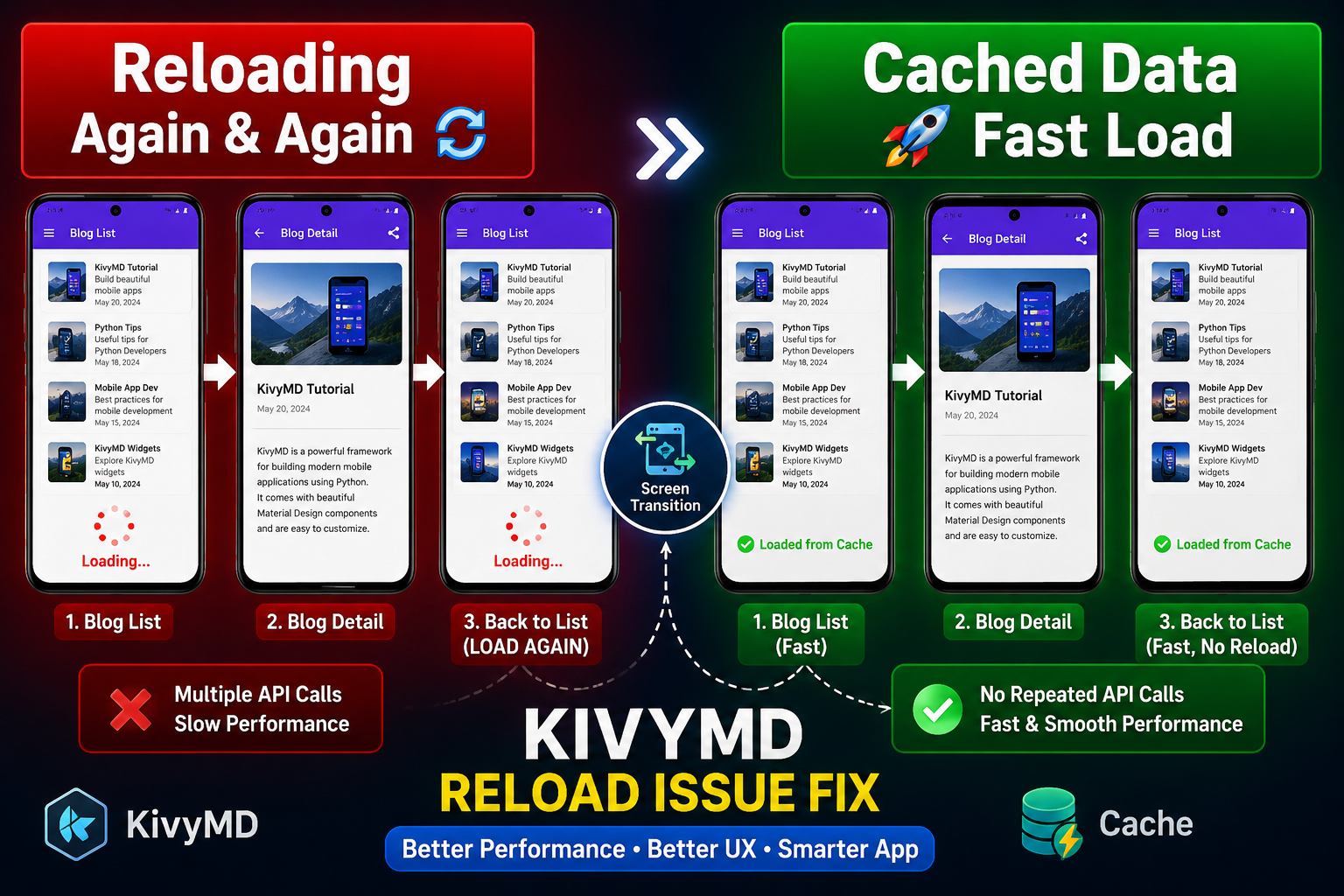
Building mobile applications with KivyMD often introduces a common but important challenge: data reloading when navigating between screens. For example, when a user opens a Blog List screen, navigates to a Blog Detail screen, and then returns back, the blog data is often fetched again. This leads to unnecessary API calls, slower performance, and a less smooth user experience.
Understanding why this happens requires knowing how the KivyMD screen lifecycle works. In KivyMD, screens use lifecycle methods like on_pre_enter() and on_enter(). These methods are triggered every time a screen becomes active, not just the first time it loads. So when the user returns to the Blog List screen, these methods run again, causing data to reload.
Key Problem:
- Blog List screen reloads every time the user returns
- API or database calls repeat unnecessarily
- The app becomes slower and less efficient
Solution 1: Loaded Flag Method (Simple Approach)
This is the easiest method and is suitable for small applications.
How it works:
- A boolean variable tracks whether data is already loaded
- Data loads only once
class BlogList(MDScreen):
    loaded = False

    def on_pre_enter(self):
        if not self.loaded:
            self.load_blogs()
            self.loaded = True

    def load_blogs(self):
        print("Loading blogs...")
Advantages:
- Very simple to implement
- Works well for small projects
Limitations:
- May reset if the screen is recreated
- Not reliable for large-scale applications
Solution 2: App-Level Caching (Recommended Approach)
This is the most efficient and professional method.
How it works:
- Data is stored globally in the application
- Screen checks the cache before making API calls
from kivymd.app import MDApp

class MyApp(MDApp):
    blog_cache = None
class BlogList(MDScreen):

    def on_pre_enter(self):
        app = MDApp.get_running_app()

        if app.blog_cache is None:
            app.blog_cache = self.load_from_api()

        self.display(app.blog_cache)

    def load_from_api(self):
        print("Fetching data from API...")
        return ["Blog 1", "Blog 2", "Blog 3"]

    def display(self, data):
        print(data)
Benefits of App-Level Cache (IMPORTANT)
- Fast screen switching
- No repeated API calls
- Better performance
- Improved user experience
Navigation Behavior
self.manager.current = "blog_list"
When using caching:
- Data is NOT fetched again
- Screen loads instantly
- Back navigation becomes smooth
Important Design Insight
This issue is not a bug, but a natural behavior of the KivyMD lifecycle system. The key is to design your app properly using caching or state management.
- Screen lifecycle triggers reload automatically in KivyMD
- Small apps → use loaded flag
- Professional apps → use app-level caching (BEST PRACTICE)
Correct caching strategy improves:
- Performance
- Speed
- User experience
- API efficiency
0 COMMENTS:
How to Create an Internal Android WebView in KivyMD Using Pyjnius
Learn how to create an internal Android WebView in KivyMD using pyjnius. This complete tutorial exp…
KivyMD Blog List Reload Issue Fix | Prevent Repeated API Calls Using Cache
Learn how to fix Blog List reloading issue in KivyMD when navigating back from details screen. Unde…
Git & GitHub Complete Tutorial 2026 | Learn Version Control for Beginners
Learn Git and GitHub step-by-step in this complete guide. Understand version control, branching, me…

What is %(source.dir) in Buildozer? Complete Guide for Beginners
Learn what %(source.dir) means in Buildozer and how to use it correctly. Avoid path errors and make…
Fix WSA Play Store Crash on Windows 11 (Google Play Store Closing Issue Solved)
Google Play Store closing immediately in WSA on Windows 11? Learn why it happens and how to fix it …
Fix Kivy App Crash on Android (Loading Screen Closes) – Buildozer Guide
If your Kivy or KivyMD app installs but closes after showing a loading screen, this guide explains …
VS Code .env Not Working? Fix “Environment Injection Disabled” Warning Easily
Learn why the “.env environment injection disabled” warning appears in Visual Studio Code and how t…
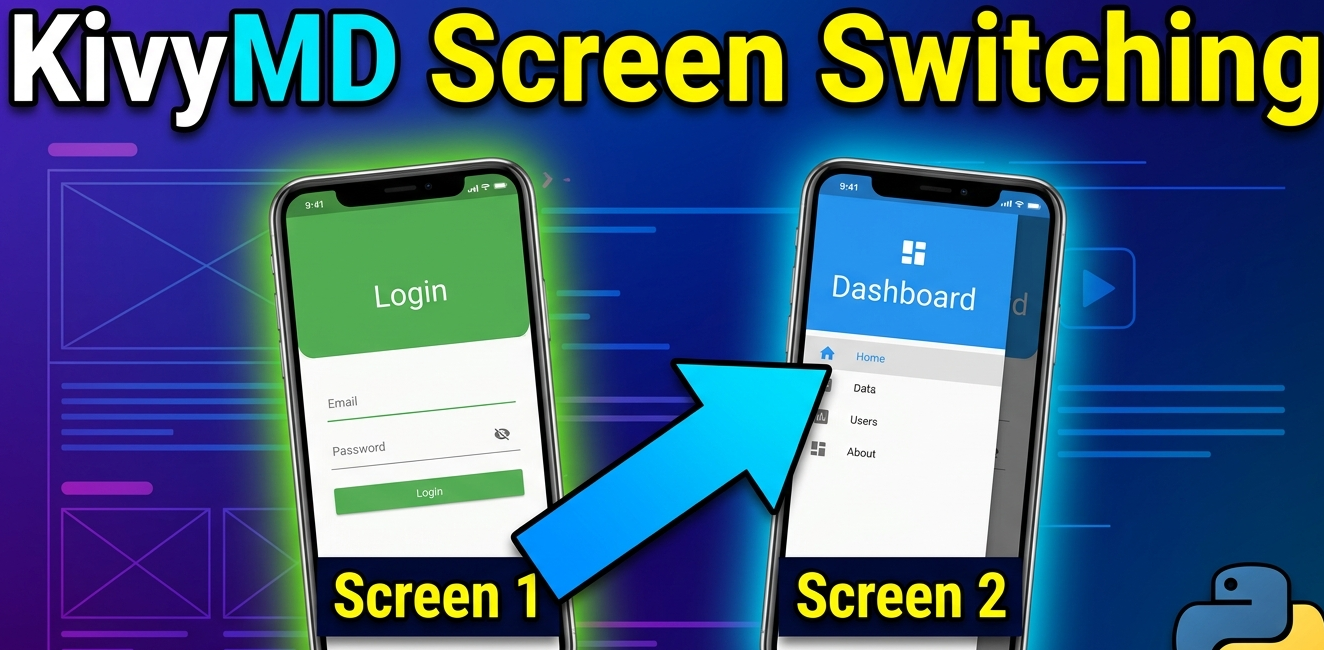
KivyMD MDScreen vs ScreenManager Explained | Screen Switching Guide (Python)
Learn how to use MDScreen and ScreenManager in KivyMD to build multi-screen Python apps. Understand…
Professional Windows EXE Download Page | Script-Free HTML & CSS Design
Learn how to create a professional Windows EXE download page using only HTML and CSS. Script-free, …
Build Nepali Calendar App with Python KivyMD | Android & Windows Guide
Learn how to create a Hamro Patro-style Nepali Calendar app using Python and KivyMD. Step-by-step g…