Git & GitHub Complete Tutorial 2026 | Learn Version Control for Beginners
bigsansar | March 25, 2026
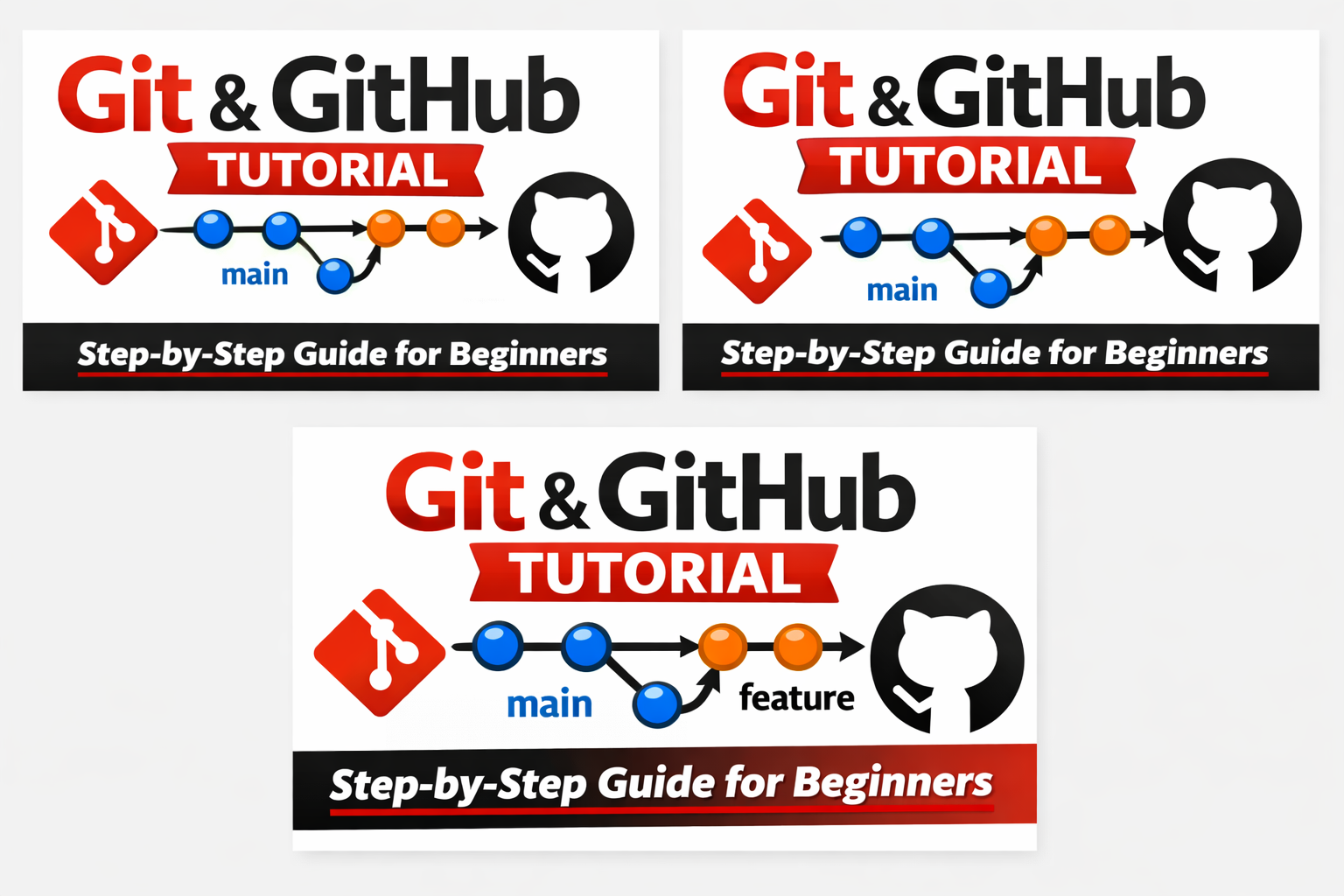
In today’s digital world, code management and collaboration are essential skills for every developer. When working on a project or needing to revert to previous code versions, Git and GitHub make the process organized, secure, and collaborative.
Understanding the difference between Git and GitHub is crucial:
- Git → Tool / Software used for version control.
- GitHub → Online platform for hosting Git repositories and collaborating with others.
Git: Version Control System
Git is a Distributed Version Control System (DVCS). This means that every developer has a complete copy of the project history on their local machine. Git allows developers to:
- Track all code changes,
- Revert to previous versions,
- Create and merge feature branches,
- Collaborate efficiently in a team.
Key Features of Git:
- Version Tracking – Every change is recorded and can be reviewed.
- Branching and Merging – Work on separate features or fixes without affecting the main code.
- Distributed Nature – Work offline without internet connectivity.
- Collaboration – Easy team collaboration via platforms like GitHub or GitLab.
GitHub: Online Collaboration Platform
GitHub is an online platform for Git repositories. It helps developers:
- Store code securely online,
- Use Pull Requests, Issues, and Project Management tools,
- Collaborate with other developers efficiently.
GitHub makes code review, version tracking, and teamwork simple and effective.
Installing and Configuring Git
Installation:
- Windows: Download from the Git Official Site
- Linux (Ubuntu):
sudo apt update
sudo apt install git
- Mac:
brew install git
Configuration:
git config --global user.name "Your Name"
git config --global user.email "[email protected]"
Important: Your name and email will appear in every commit.
Creating a Git Repository
- Create a new project folder:
mkdir my_project
cd my_project
git init
2. Add files to the repository and commit:
git add .
git commit -m "Initial commit"
Branching and Merging
- Create a new branch:
git branch feature-xyz
git checkout feature-xyz
- Merge back to main branch:
git checkout main
git merge feature-xyz
Important: Branching allows safe development of new features without affecting the main code.
Using GitHub: Repository and Push
- Log in to GitHub → Create New Repository → Name it → Create.
- Add remote repository:
git clone https://github.com/username/repo_name.git
- Push local repository to GitHub:
git push -u origin main
Important: Pushing uploads your local code to GitHub so it can be shared and backed up.
Practical Example: Simple HTML Project
Suppose we create a small web page:
<!-- index.html -->
<!DOCTYPE html>
<html lang="en">
<head>
    <meta charset="UTF-8">
    <title>My First Git Project</title>
</head>
<body>
    <h1>Hello Git and GitHub!</h1>
    <p>This is my first project.</p>
</body>
</html>
Steps to manage with Git:
- Create folder
my_project. - Add
index.htmlfile. - Initialize Git, add files, and commit.
- Create a GitHub repository and push code.
Result: Your project is now safely stored on GitHub and ready for collaboration.
Useful Git Commands
| Command | Purpose |
|---|---|
git status | Check current repository status |
git log | View commit history |
git clone <url> | Copy a remote repository |
git pull | Get updates from remote repository |
git diff | Compare changes |
git reset | Undo commits |
Learning Git and GitHub allows you to:
- Keep your code safe,
- Revert to older versions,
- Collaborate effectively with your team.
Start with a small project to practice, then gradually explore branching, pull requests, and team collaboration. Continuous practice will make you proficient in version control and collaborative development.
0 COMMENTS:
How to Debug Kivy APK Crashes Using ADB Logcat (Complete Guide)
Learn how to debug Kivy APK crashes using ADB Logcat. Discover how to find Python tracebacks, ident…
How to Create an Internal Android WebView in KivyMD Using Pyjnius
Learn how to create an internal Android WebView in KivyMD using pyjnius. This complete tutorial exp…
KivyMD Blog List Reload Issue Fix | Prevent Repeated API Calls Using Cache
Learn how to fix Blog List reloading issue in KivyMD when navigating back from details screen. Unde…
Git & GitHub Complete Tutorial 2026 | Learn Version Control for Beginners
Learn Git and GitHub step-by-step in this complete guide. Understand version control, branching, me…
What is %(source.dir) in Buildozer? Complete Guide for Beginners
Learn what %(source.dir) means in Buildozer and how to use it correctly. Avoid path errors and make…
Fix WSA Play Store Crash on Windows 11 (Google Play Store Closing Issue Solved)
Google Play Store closing immediately in WSA on Windows 11? Learn why it happens and how to fix it …
Fix Kivy App Crash on Android (Loading Screen Closes) – Buildozer Guide
If your Kivy or KivyMD app installs but closes after showing a loading screen, this guide explains …
VS Code .env Not Working? Fix “Environment Injection Disabled” Warning Easily
Learn why the “.env environment injection disabled” warning appears in Visual Studio Code and how t…
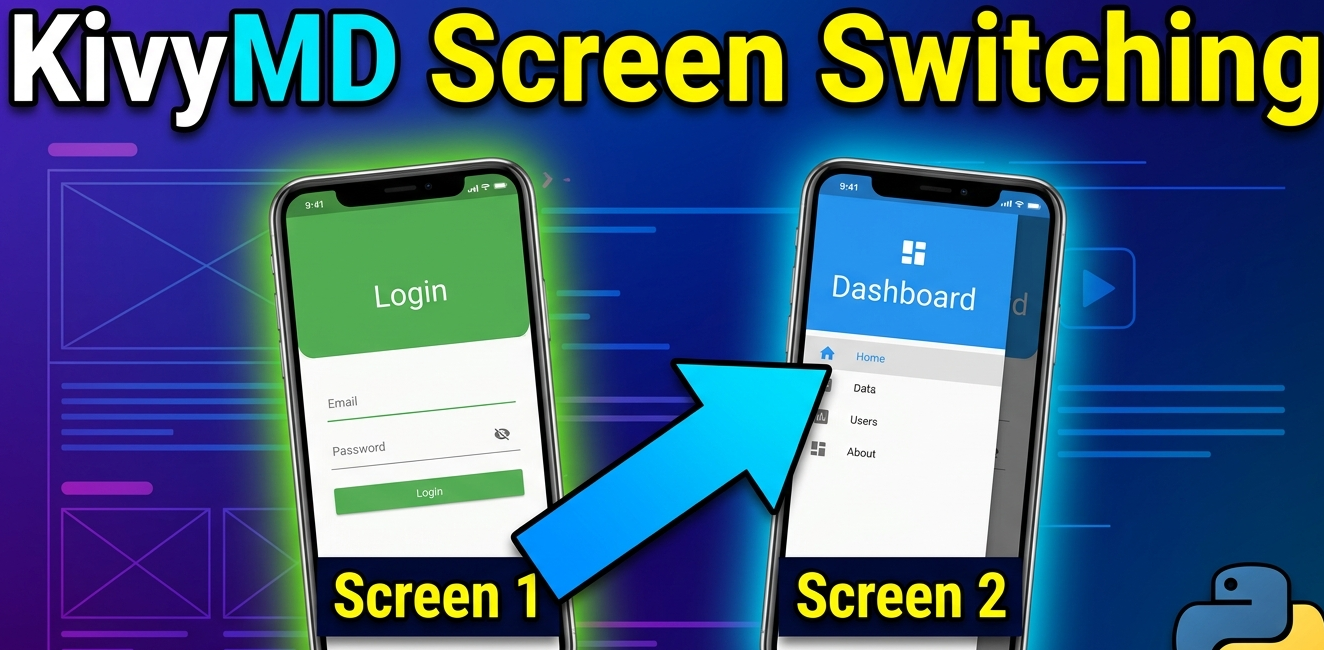
KivyMD MDScreen vs ScreenManager Explained | Screen Switching Guide (Python)
Learn how to use MDScreen and ScreenManager in KivyMD to build multi-screen Python apps. Understand…
Professional Windows EXE Download Page | Script-Free HTML & CSS Design
Learn how to create a professional Windows EXE download page using only HTML and CSS. Script-free, …