Fix Kivy App Crash on Android (Loading Screen Closes) – Buildozer Guide
bigsansar | March 23, 2026
Developing Android applications with Python frameworks such as Kivy and KivyMD has become increasingly popular. However, many developers face a frustrating issue: the application installs successfully, opens with a “Loading…” screen, and then suddenly closes.
This problem is very common when using Buildozer, and, in most cases, it is not caused by Buildozer itself but by issues in the application setup or code.
Understanding the Problem
When your app behaves like this:
- The APK installs successfully
- The app launches
- A “Loading…” screen appears
- The app closes immediately
It means the application has started but crashes during the initialization phase.
Main Causes (Fact-Checked)
Missing Dependencies (Most Common Cause)
If your code imports modules such as requests or uses KivyMD components, but they are not included in the buildozer.spec file, the app will crash instantly on Android.
Important:
Buildozer only packages the modules listed in the requirements section. Missing even one required module will cause a runtime crash.
KivyMD Version Compatibility
Certain widgets, such as MDLinearProgressIndicator, are only available in specific versions of KivyMD.
Important:
Using an incompatible version of KivyMD can cause the app to crash immediately after launch.
Heavy Operations During Startup
Running network requests or heavy logic inside the The build() method can lead to freezing or crashing, especially on slower devices or unstable internet connections.
Important:
Avoid executing API calls directly during app initialization.
File and Path Errors
If your app loads external files like .kv files or assets and they are not properly included in the APK, the app will fail at runtime.
Important:
Always ensure all required files are correctly packaged.
Silent Crashes (No Python Logs)
Sometimes the app crashes before Python logs are generated. In such cases, filtering logs using “python” will show nothing.
Important:
These crashes usually occur at the Android (Java/SDL) level and require full logcat inspection.
Step-by-Step Solution
Fix the buildozer.spec File
Ensure your requirements line is correct and includes all necessary dependencies:
requirements = python3,kivy,kivymd==1.1.1,requests
Important:
Using a stable version of KivyMD (such as 1.1.1) prevents compatibility issues.
Clean Previous Builds
buildozer android clean
This removes old cached builds that may cause conflicts.
Rebuild the Application
buildozer -v android debug
Deploy and Run
buildozer android deploy run
Debugging the Crash
If the app still crashes, use logcat to identify the issue.
Show only errors:
adb logcat *:E
Find crash details:
adb logcat | findstr "FATAL EXCEPTION"
Filter your app logs:
adb logcat | findstr bigsansarapp
Important:
Always analyze logcat output before guessing the issue.
Best Practice for Stable Apps
Avoid performing heavy operations during startup.
Incorrect approach:
def build(self):
    requests.get("https://api.example.com")
Correct approach:
from kivy.clock import Clock

def build(self):
    Clock.schedule_once(self.load_data, 1)

def load_data(self, dt):
    import requests
    requests.get("https://api.example.com")
Important:
Delaying execution prevents startup crashes and improves performance.
Practical Example
Here is a simple working example:
from kivymd.app import MDApp
from kivy.clock import Clock
from kivymd.uix.label import MDLabel
import requests

class TestApp(MDApp):
    def build(self):
        Clock.schedule_once(self.load_data, 1)
        return MDLabel(text="Loading...", halign="center")

    def load_data(self, dt):
        try:
            res = requests.get("https://jsonplaceholder.typicode.com/posts/1")
            print(res.json())
        except Exception as e:
            print("Error:", e)

TestApp().run()
If your app opens, shows a loading screen, and then closes, the issue is almost always related to:
- Missing dependencies
- Incorrect KivyMD version
- Improper startup logic
Important:
This is not a Buildozer problem. It is a configuration or code issue.
0 COMMENTS:
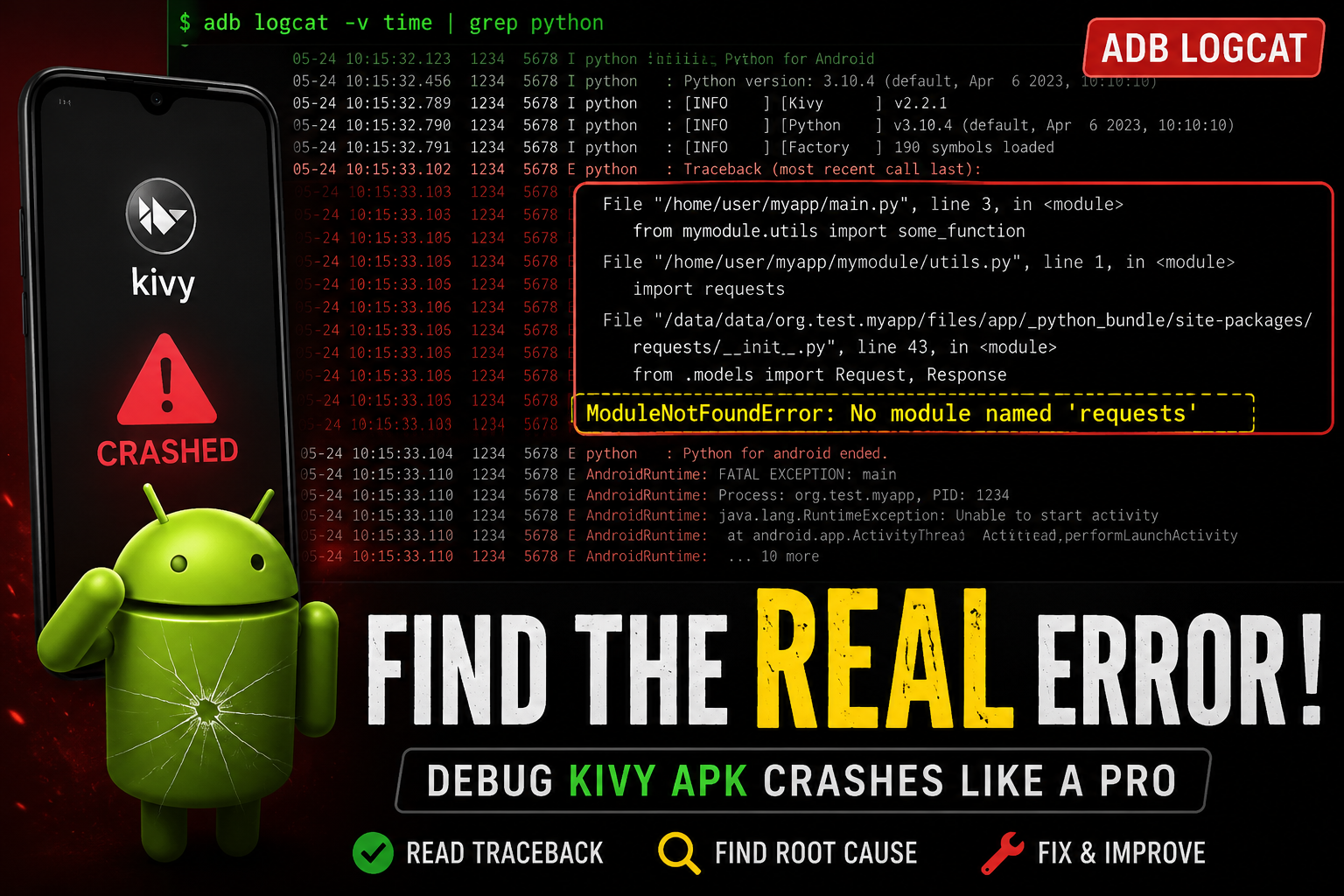
How to Debug Kivy APK Crashes Using ADB Logcat (Complete Guide)
Learn how to debug Kivy APK crashes using ADB Logcat. Discover how to find Python tracebacks, ident…
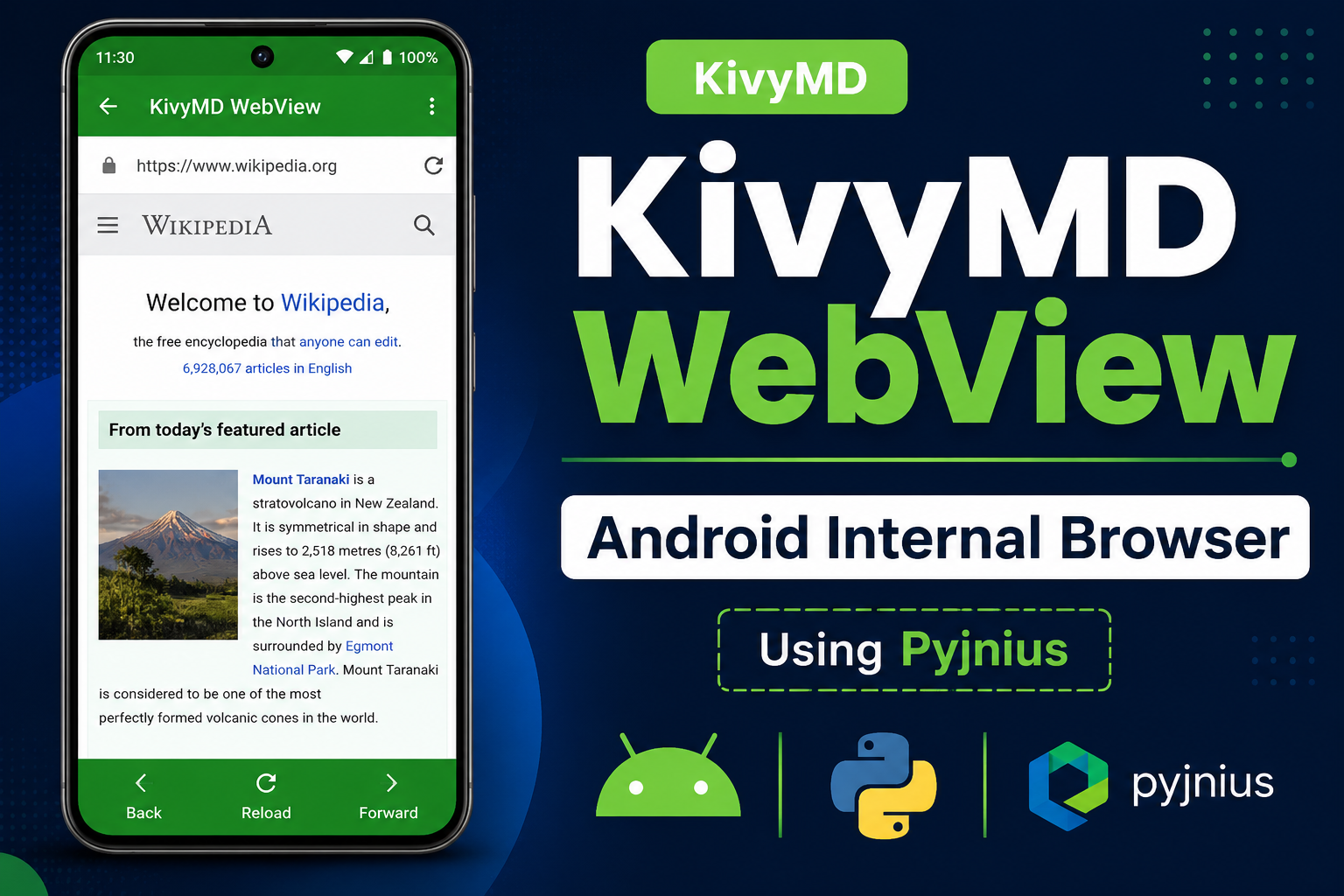
How to Create an Internal Android WebView in KivyMD Using Pyjnius
Learn how to create an internal Android WebView in KivyMD using pyjnius. This complete tutorial exp…
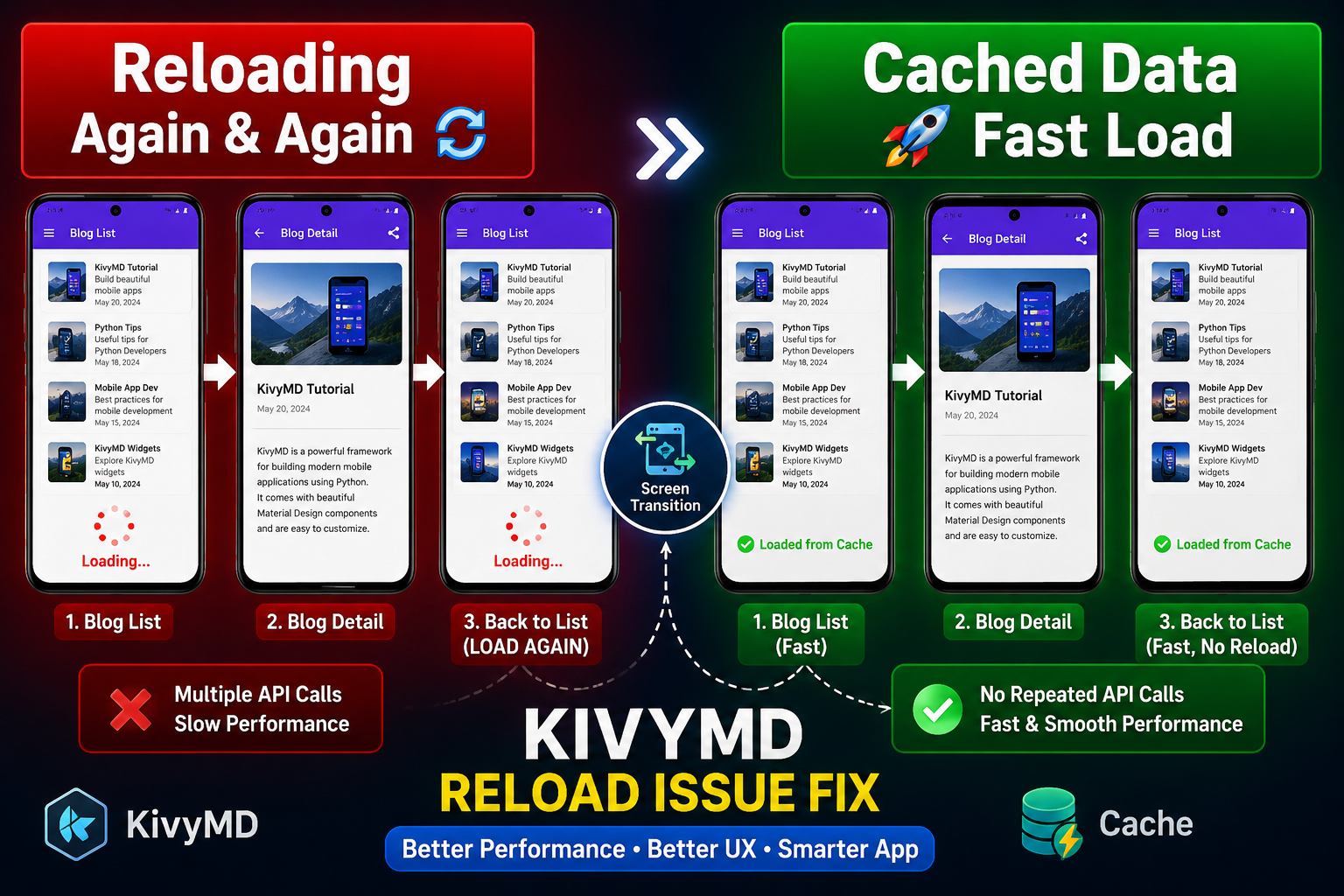
KivyMD Blog List Reload Issue Fix | Prevent Repeated API Calls Using Cache
Learn how to fix Blog List reloading issue in KivyMD when navigating back from details screen. Unde…
Git & GitHub Complete Tutorial 2026 | Learn Version Control for Beginners
Learn Git and GitHub step-by-step in this complete guide. Understand version control, branching, me…
What is %(source.dir) in Buildozer? Complete Guide for Beginners
Learn what %(source.dir) means in Buildozer and how to use it correctly. Avoid path errors and make…
Fix WSA Play Store Crash on Windows 11 (Google Play Store Closing Issue Solved)
Google Play Store closing immediately in WSA on Windows 11? Learn why it happens and how to fix it …
Fix Kivy App Crash on Android (Loading Screen Closes) – Buildozer Guide
If your Kivy or KivyMD app installs but closes after showing a loading screen, this guide explains …
VS Code .env Not Working? Fix “Environment Injection Disabled” Warning Easily
Learn why the “.env environment injection disabled” warning appears in Visual Studio Code and how t…
KivyMD MDScreen vs ScreenManager Explained | Screen Switching Guide (Python)
Learn how to use MDScreen and ScreenManager in KivyMD to build multi-screen Python apps. Understand…
Professional Windows EXE Download Page | Script-Free HTML & CSS Design
Learn how to create a professional Windows EXE download page using only HTML and CSS. Script-free, …