Mobile बाट facebook मा live stream गर्ने Best way
admin | June 12, 2023
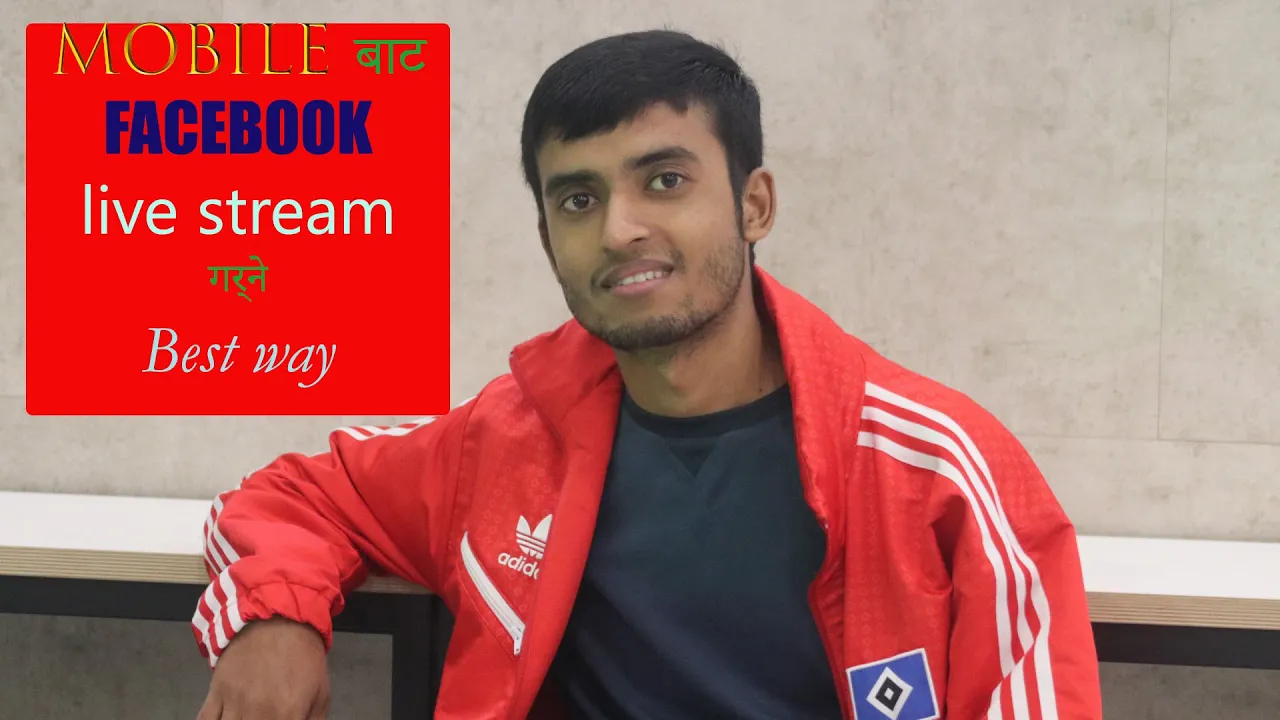
To use GoStream for live streaming on Facebook from your mobile device, follow these steps:
1. Download and install the GoStream app: Go to your mobile app store (Google Play Store for Android or App Store for iOS) and search for "GoStream." Download and install the app on your device.
2. Open the GoStream app: Once installed, open the GoStream app on your mobile device.
3. Sign in or create an account: You may be prompted to sign in or create a GoStream account using your email, Google, or Facebook credentials. Follow the on-screen instructions to complete the process.
4. Connect GoStream to your Facebook account: In the GoStream app, navigate to the settings or account section and find the option to connect your Facebook account. Tap on it and authorize GoStream to access your Facebook account.
5. Set up your live stream: After connecting your Facebook account, go back to the main screen of the GoStream app. Tap on the "+" or "Create New" button to start setting up your live stream.
6. Configure stream settings: In the live stream setup screen, you can customize various settings such as stream title, description, privacy settings, and camera options. Ensure that you select the appropriate Facebook page or profile you want to stream to.
7. Start the live stream: Once you have configured the settings, tap on the "Go Live" or similar button to start the live stream. The GoStream app will begin broadcasting the video feed from your device's camera to your Facebook page or profile.
8. Interact with viewers: During the live stream, you can see comments and reactions from your viewers on the GoStream app. Engage with your audience by responding to their comments and making the live stream interactive.
9. End the live stream: When you're ready to end the live stream, tap on the "End" or "Stop" button within the GoStream app. The stream will be stopped, and the video will be saved to your Facebook page or profile for future viewing.
Note: It's always a good practice to test your live stream setup before broadcasting to a large audience. Ensure you have a stable internet connection and sufficient battery life on your mobile device for the duration of the live stream.
0 COMMENTS:
Download Normal but Upload Slow? Causes & Easy Fix Guide
Is your download speed normal but upload very slow? Learn the main causes, how to test your interne…

Apple TV’s Smoke: True Detective Replacement Reviewed
Explore Apple TV+’s Smoke, its performances, storytelling, and whether it overcomes HBO’s True Dete…
Stranger Things Finale: Epic & Emotional Timer Moments
Explore how Stranger Things draws to an epic and emotional close, with characters, suspense, and th…

10 Trending Gemini AI Photo Editing Prompts for Boys – Copy-Paste Guide (Part 6)
Discover 10 trending Gemini AI photo editing prompts for boys! Copy-paste these prompts to instantl…
Is Yahoo Mail Down? Thousands Report Issues, Downdetector Shows
Is Yahoo Mail down right now? Thousands of users report Yahoo Mail login and email issues, accordin…
Steam Down for Thousands: Users Report Login & Server Issues
Is Steam down? Thousands of users reported login, store, and server issues on Tuesday, according to…

Foxtel Secures Major Commercial Win with MinRes Network
Foxtel partners with MinRes to deliver premium entertainment to 3,000 remote mining accommodations,…
Grok App and Website Down? Latest Updates on Service Outage
Users report the Grok app and website are temporarily down. Learn why Grok experiences outages, how…
Shopify Breakdown on Cyber Monday 2025 | Login Issues & Business Impact
On Cyber Monday 2025, Shopify faced a major login outage affecting thousands of merchants. Learn wh…
Digital Citizenship for Nepali Diaspora: Guide to Safe & Responsible Online Behavior
Learn how Nepalis living abroad can stay safe, ethical, and responsible online. Explore tips on dig…