iOS 26.5 Encrypted RCS Explained: How to Check Secure Messaging on iPhone
bigsansar | June 1, 2026
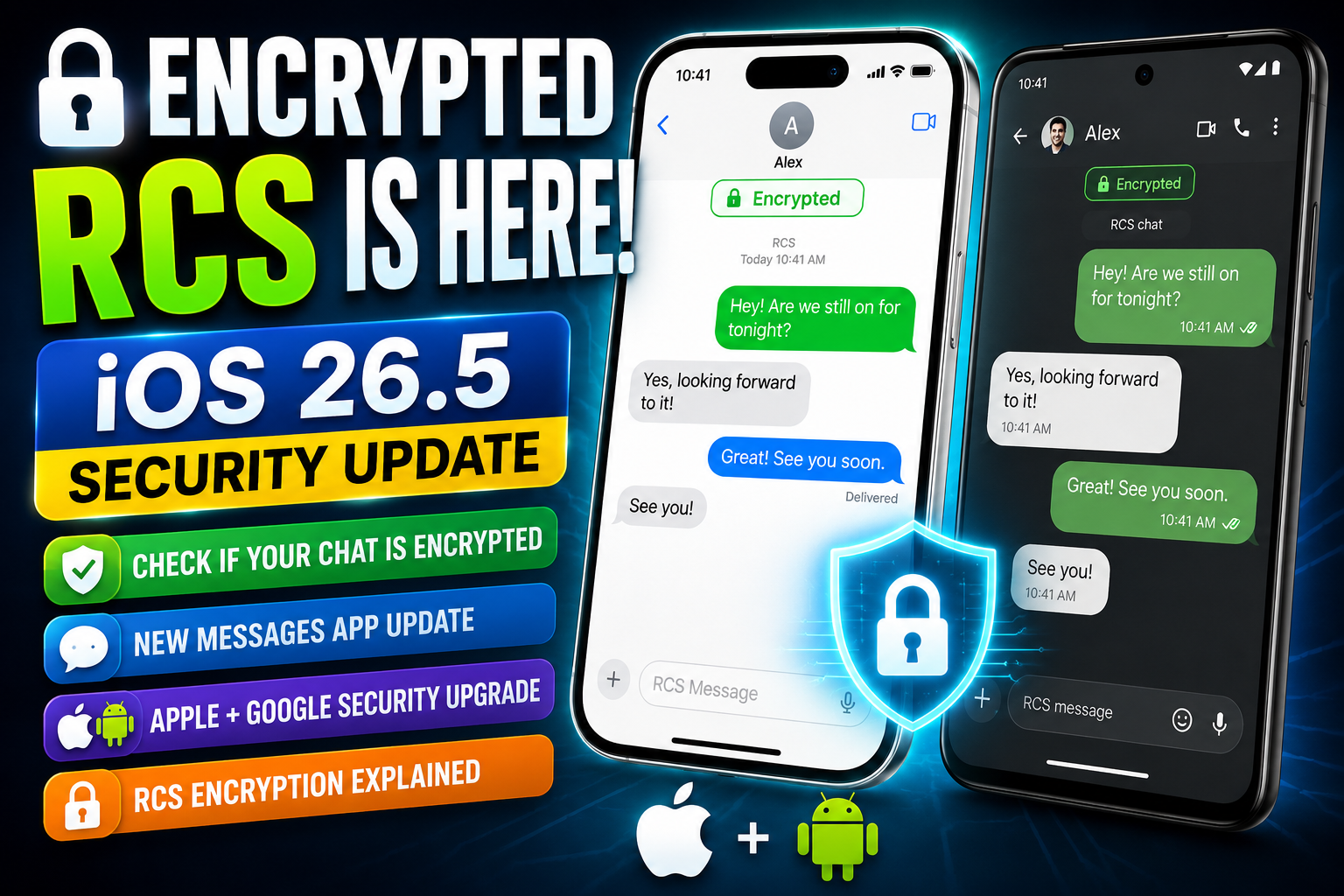
Apple’s iOS 26.5 update brings a major upgrade to the Messages app by introducing end-to-end encrypted RCS messaging for conversations between iPhone and Android users. This is a significant step toward making cross-platform messaging more private and secure by default.
Previously, iPhone users had full encryption only with iMessage. When texting Android users, messages often relied on SMS or standard RCS, which did not always guarantee full end-to-end protection. With iOS 26.5, Apple is expanding encrypted communication to supported RCS chats.
What Is RCS?
RCS (Rich Communication Services) is the modern replacement for SMS. It improves basic texting with advanced features:
- High-quality image and video sharing
- Read receipts (seen status)
- Typing indicators
- Group chat improvements
- Internet-based messaging instead of SMS
However, older RCS systems were not fully encrypted, especially across different platforms.
Key Upgrade: End-to-End Encryption (E2EE)
The most important change in iOS 26.5 is end-to-end encryption for RCS chats.
What it means:
- Only the sender and receiver can read messages
- Apple, Google, and carriers cannot access message content
- Messages are protected during transmission
This brings RCS closer to the security level of iMessage, WhatsApp, and Signal.
How to Enable or Check Encrypted RCS
Encryption is usually enabled automatically, but you can verify it manually:
Steps:
- Open Settings
- Go to Apps
- Select Messages
- Open RCS Messaging
- Check if End-to-End Encryption is ON
If enabled, your device is ready for secure RCS chats (when supported by the carrier and the recipient device).
How to Know If Encryption Is Working
Even if the setting is ON, encryption only works when both sides support it.
Encryption requires:
- iOS 26.5 or later on iPhone
- Latest Google Messages on Android
- Carrier support for encrypted RCS
- Compatible network configuration on both sides
When encryption is active, you may see:
- Lock icon in chat
- “Encrypted” label in conversation details
Why Some Chats Are Not Encrypted
Not every conversation will immediately support encrypted RCS.
Common reasons:
- Carrier has not enabled RCS encryption yet
- Android device is outdated
- The messaging app is not updated
- Regional rollout still in progress
If any one side does not support encryption, the chat falls back to standard RCS or SMS.
Why This Update Matters
This update is important because it reduces the gap between iPhone and Android messaging security.
Earlier, users often needed third-party apps like WhatsApp or Signal for secure cross-platform messaging. Now, Apple is bringing secure messaging directly into the default Messages app.
Main benefits:
- Better privacy without extra apps
- More secure iPhone–Android communication
- Improved user experience in default messaging
- Industry-wide push toward encrypted communication standards
Real-World Example
Before iOS 26.5:
- Messages may be unencrypted over carrier RCS
- Lower consistency in privacy protection
After iOS 26.5 (when supported):
- Messages are end-to-end encrypted
- Lock icon confirms security
- Media sharing and chat features remain intact, but are more secure
iOS 26.5’s encrypted RCS support is a major milestone in mobile messaging. While it is not yet universally available due to carrier and device limitations, it represents a strong shift toward default secure communication between iPhone and Android users.
As support expands globally, encrypted RCS is expected to become the new standard for everyday messaging security.
0 COMMENTS:
iOS 26.5 Encrypted RCS Explained: How to Check Secure Messaging on iPhone
iOS 26.5 introduces end-to-end encrypted RCS messaging on iPhone. Learn how it works, how to enable…
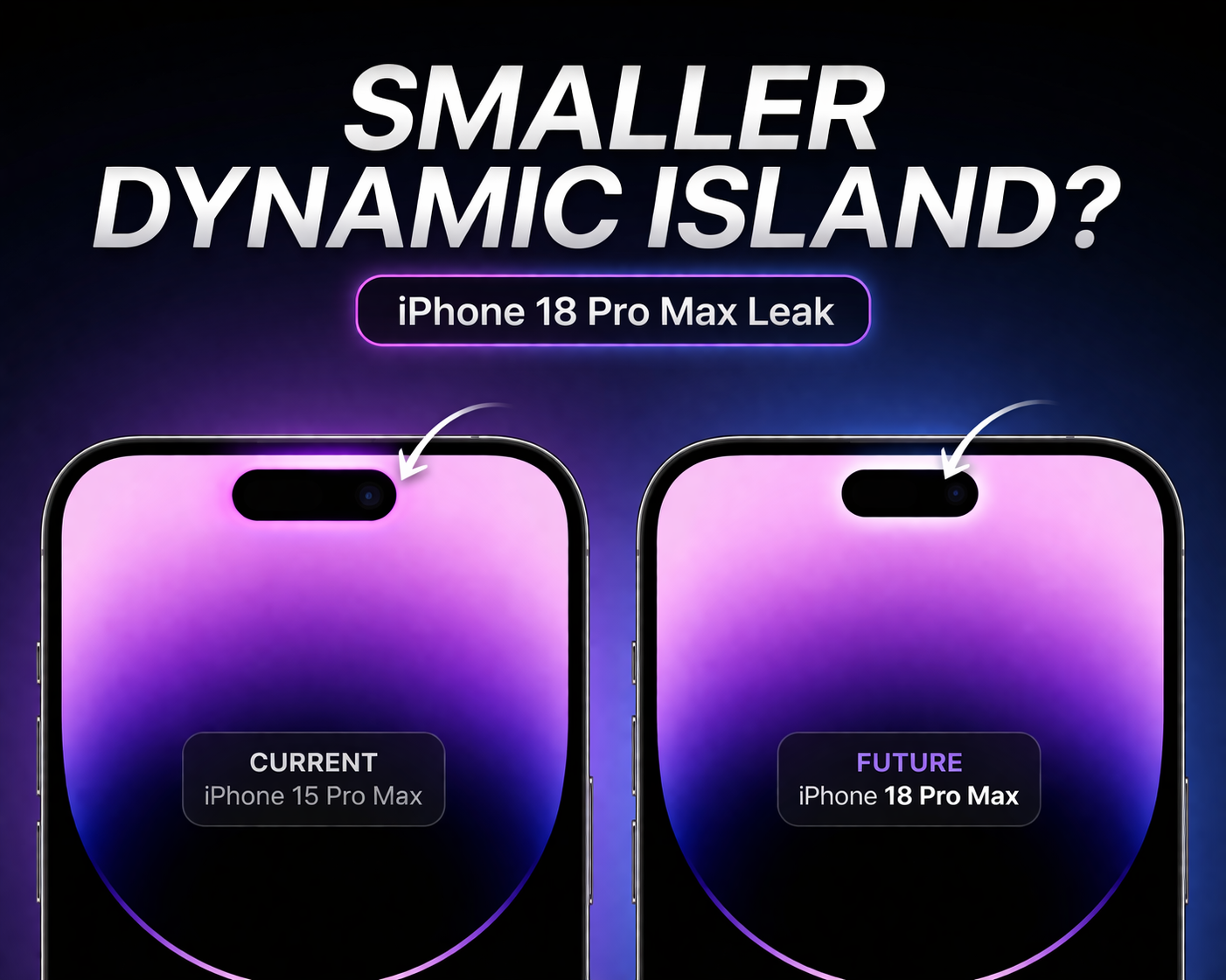
iPhone 18 Pro Max Leak: Smaller Dynamic Island Rumors Explained
Apple’s iPhone 18 series, including the iPhone 18 Pro Max, is rumored to feature a smaller Dynamic …

Apple TV App Adds Crunchyroll Channel: What It Means for Users & Streaming Future
Apple TV app has added Crunchyroll as a new channel, allowing users to stream anime directly inside…
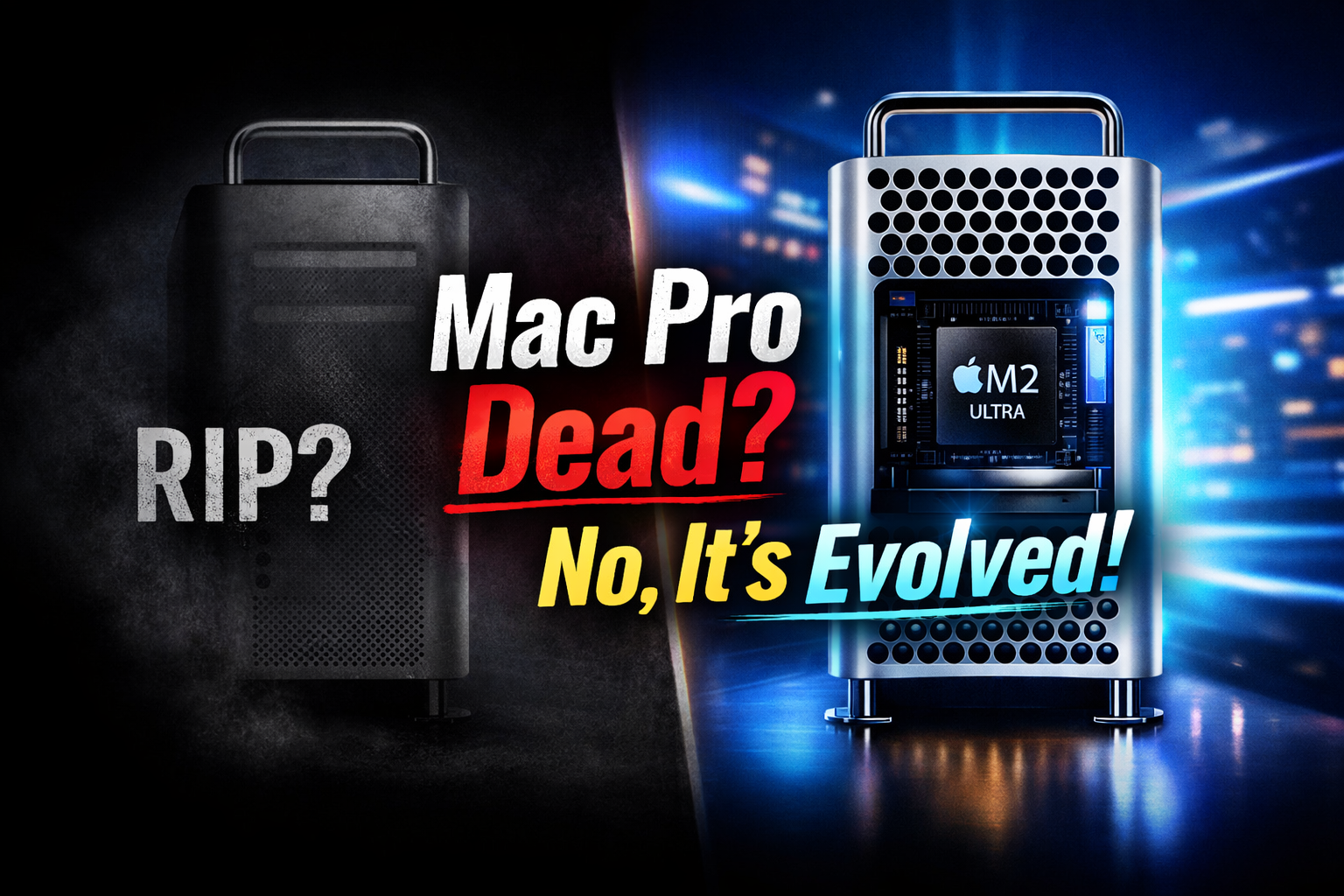
Mac Pro Is Not Dead: Apple’s Tower Computer Transformation Explained (M2 Ultra Update)
Apple has not killed the Mac Pro. The iconic tower computer has evolved with Apple Silicon, now pow…
Apple Offers Up to $400K Bonuses to iPhone Designers Amid OpenAI Talent War
Apple is reportedly offering retention bonuses of up to $400K to iPhone designers as competition wi…

Apple Music Partners with Ticketmaster for Concert Discovery
Discover live concerts effortlessly! Apple Music teams up with Ticketmaster to recommend events bas…
iOS 26.4 New Emojis & Updates: Features, Security Improvements Explained
Discover the latest iOS updates including new emojis, enhanced security features, and performance i…
Apple Maps Ads Coming: Apple Expands Services Strategy
Apple is planning to introduce ads in Apple Maps as part of its growing services strategy. Learn ho…
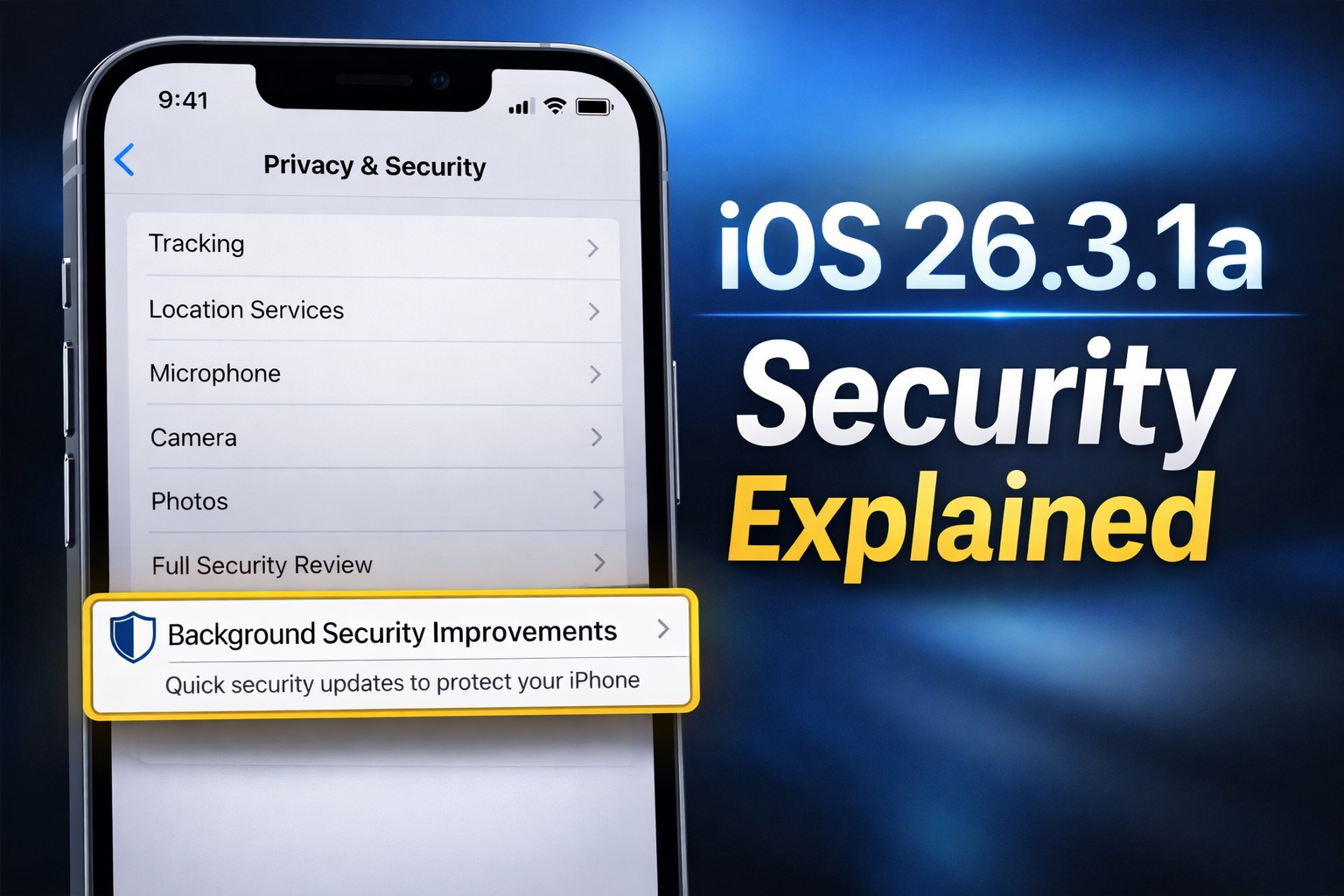
iPhone iOS 26.3.1a: Background Security Explained
Learn how iOS 26.3.1a Background Security keeps your iPhone safe with fast, silent security patches…
Why Apple Took Months to Fix iPhone Typing Issue | iOS Update Explained
Discover why Apple delayed fixing the iPhone keyboard issue, including autocorrect errors, typing l…