Apple iOS 26.1 Update – New Features, Fixes, and Why It’s Worth Installing
bigsansar | Nov. 4, 2025
Technology is constantly evolving, and Apple once again proves it with the release of iOS 26.1. Following the major design overhaul introduced in iOS 26, this new update emphasizes refinement, stability, and user comfort. While it doesn't completely overhaul the iPhone experience, it certainly enhances and smooths how users interact with their devices daily.
When Apple launched iOS 26, it introduced the much-discussed “Liquid Glass” interface — a visually stunning but controversial design. While many appreciated its fluid and transparent aesthetic, some users found the new look too translucent, impacting readability. Apple addressed this feedback in iOS 26.1 by adding a new transparency control. Located under Settings → Display & Brightness → Liquid Glass, this feature lets users choose between “Clear” and “Tinted” modes, offering improved contrast and visual comfort. It’s a small change that makes a big difference for those valuing both style and usability.
The update also brings thoughtful usability enhancements. One notable change is the new “Slide to Stop” feature in the alarm interface. Instead of tapping to dismiss an alarm, users now slide, reducing the risk of accidentally turning it off in the morning. Similarly, Apple has added the option to disable the camera swipe gesture on the lock screen, preventing the camera from opening unintentionally while the phone is in your pocket or bag — a feature many users have long requested.
Another area where iOS 26.1 shines is inclusivity. Apple has expanded language support for Apple Intelligence and AirPods Live Translation, now covering Japanese, Korean, Italian, and both Simplified and Traditional Chinese. This expansion enhances Apple’s global ecosystem and makes its AI-driven features more useful for international users. The company’s focus on accessibility and diversity remains one of its greatest strengths.
For those who use their iPhones for entertainment, iOS 26.1 also improves the music experience. The Apple Music mini-player now supports swipe gestures to skip or replay songs without opening the full app. It’s a subtle yet elegant improvement that makes listening to music more seamless and convenient. Additionally, Apple has refined the animations and scrolling behavior in apps like Photos and Settings, creating a more fluid and responsive interface overall.
Beyond the visible updates, the release includes minor performance improvements and security patches. Although Apple hasn’t listed every internal change, early users have noticed less heat and slightly better battery life compared to iOS 26. The update also strengthens privacy by introducing an option for automatic security updates, reinforcing Apple’s commitment to user protection.
While some may see iOS 26.1 as a minor update, it marks an important step in Apple’s ongoing effort to improve. It addresses small annoyances, enhances daily usability, and makes the bold design changes introduced in iOS 26 feel more practical and refined. For most users, installing this update results in a smoother, more reliable, and visually harmonious experience.
To install iOS 26.1, users simply navigate to Settings, open General, then select Software Update. Once the update appears, it can be downloaded and installed over Wi-Fi. It’s always advisable to back up the device to iCloud or Finder before proceeding and ensure the battery is charged adequately.
In conclusion, iOS 26.1 isn’t about adding dramatic new features but about refining what already exists. It reflects Apple’s philosophy that perfection comes through attention to detail, not constant reinvention. This update listens to user feedback, improves minor issues, and enhances the overall iPhone experience. For anyone running iOS 26, upgrading to iOS 26.1 is an easy choice — it makes your iPhone smarter, smoother, and better.
0 COMMENTS:
Apple's Foldable iPhone Ultra Could Repeat the iPhone X Story
Apple's first foldable iPhone could follow the iPhone X launch strategy with delayed pre-orders, li…
iPhone Ultra Launch Could Face Limited Availability: Fact-Checked AnalysisiPhone Ultra Launch Could
Reports suggest Apple's rumored foldable iPhone Ultra could have limited launch-day availability an…
iPhone Ultra Price 2026: Apple Foldable Leak, Features & iPhone 18 Pro Impact ExplainediPhone Ultra
iPhone Ultra price leaks suggest Apple’s first foldable iPhone could cost $1,999+. Explore expected…
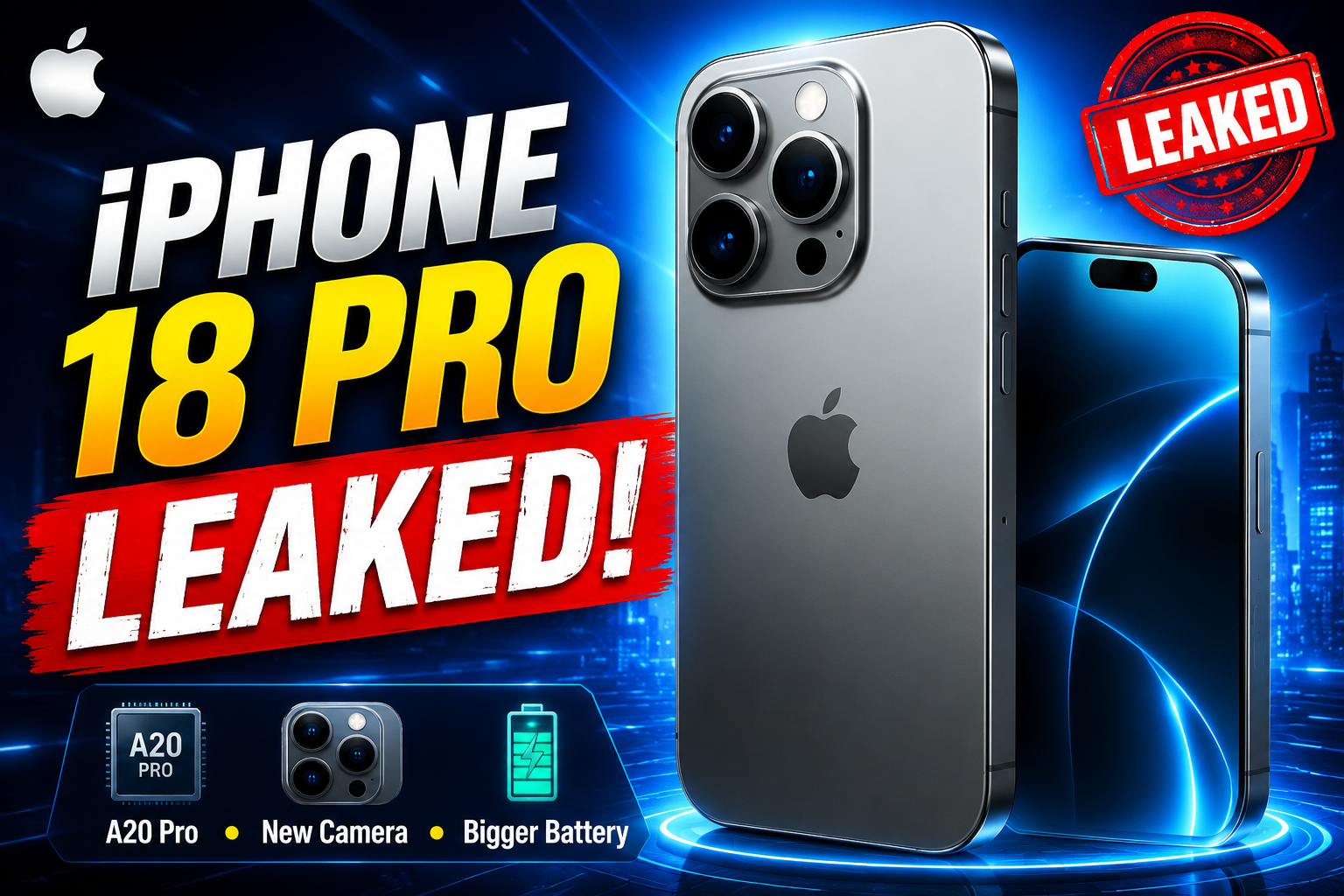
Apple iPhone 18 Pro Expected to Launch in September 2026: Leaks, Features & Specs
Apple iPhone 18 Pro is expected to debut in September 2026. Discover the latest leaks, rumored A20 …
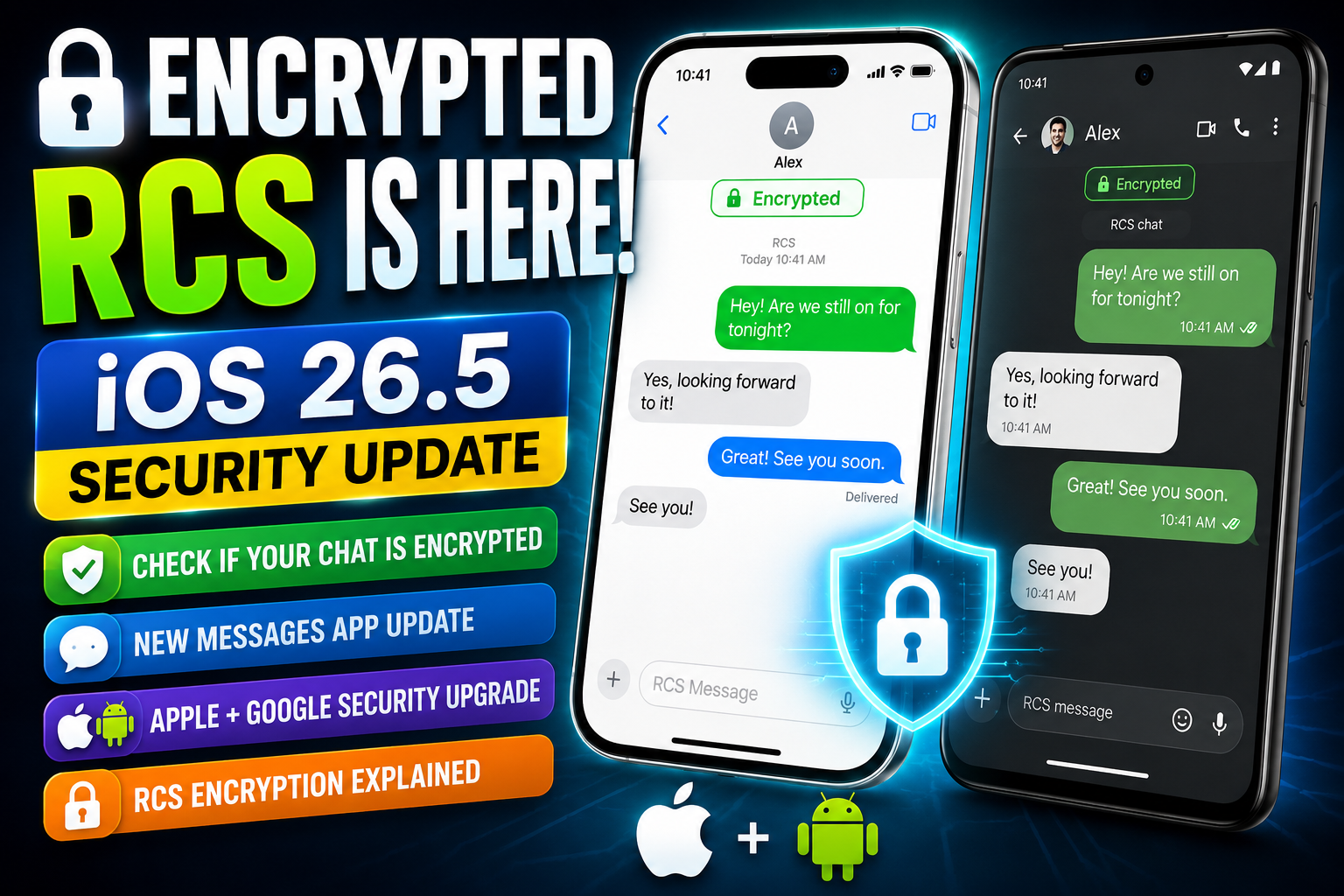
iOS 26.5 Encrypted RCS Explained: How to Check Secure Messaging on iPhone
iOS 26.5 introduces end-to-end encrypted RCS messaging on iPhone. Learn how it works, how to enable…
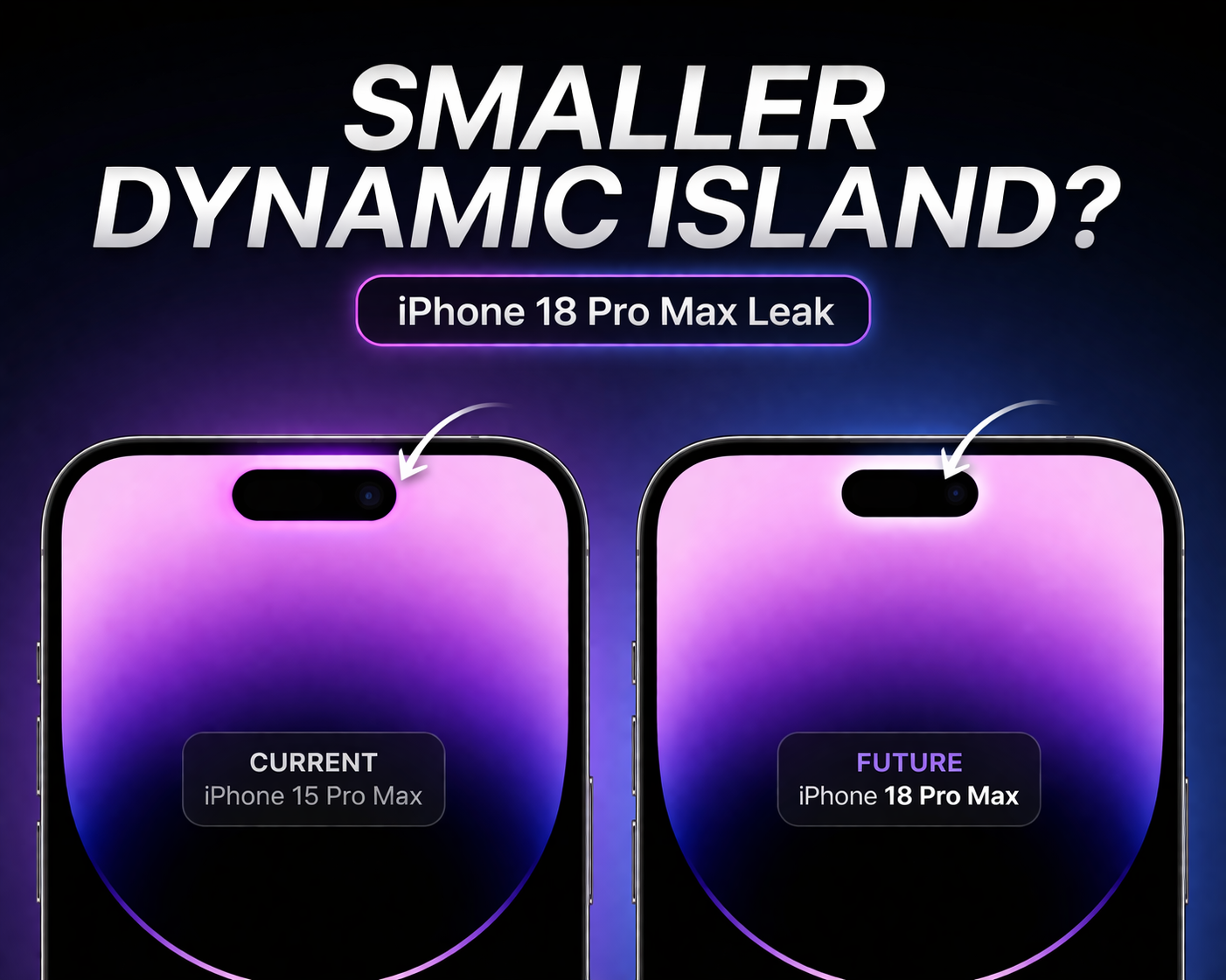
iPhone 18 Pro Max Leak: Smaller Dynamic Island Rumors Explained
Apple’s iPhone 18 series, including the iPhone 18 Pro Max, is rumored to feature a smaller Dynamic …

Apple TV App Adds Crunchyroll Channel: What It Means for Users & Streaming Future
Apple TV app has added Crunchyroll as a new channel, allowing users to stream anime directly inside…
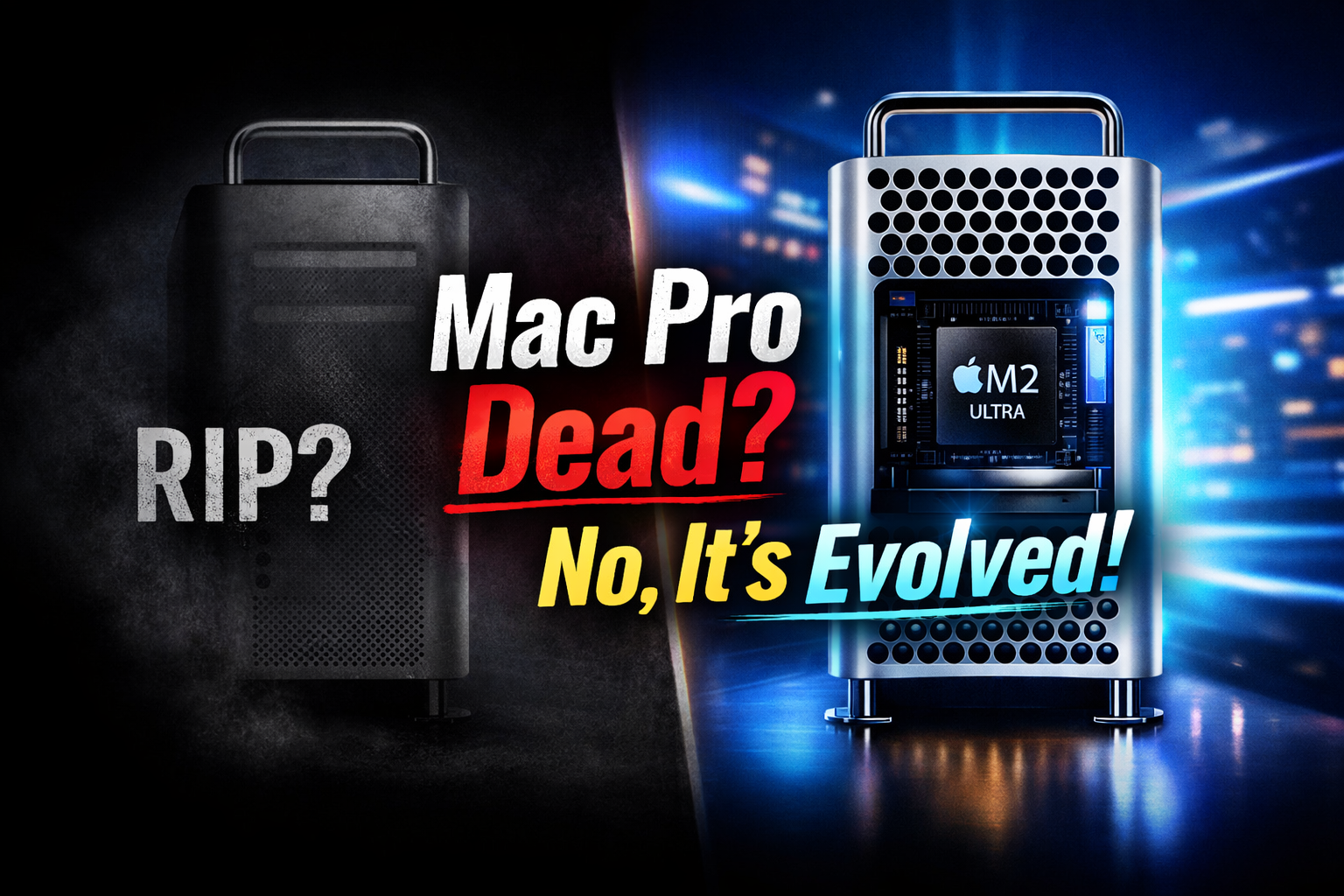
Mac Pro Is Not Dead: Apple’s Tower Computer Transformation Explained (M2 Ultra Update)
Apple has not killed the Mac Pro. The iconic tower computer has evolved with Apple Silicon, now pow…
Apple Offers Up to $400K Bonuses to iPhone Designers Amid OpenAI Talent War
Apple is reportedly offering retention bonuses of up to $400K to iPhone designers as competition wi…

Apple Music Partners with Ticketmaster for Concert Discovery
Discover live concerts effortlessly! Apple Music teams up with Ticketmaster to recommend events bas…