X Removes Night Mode Setting: What Happened to Dark Mode Twitter?
bigsansar | March 7, 2026
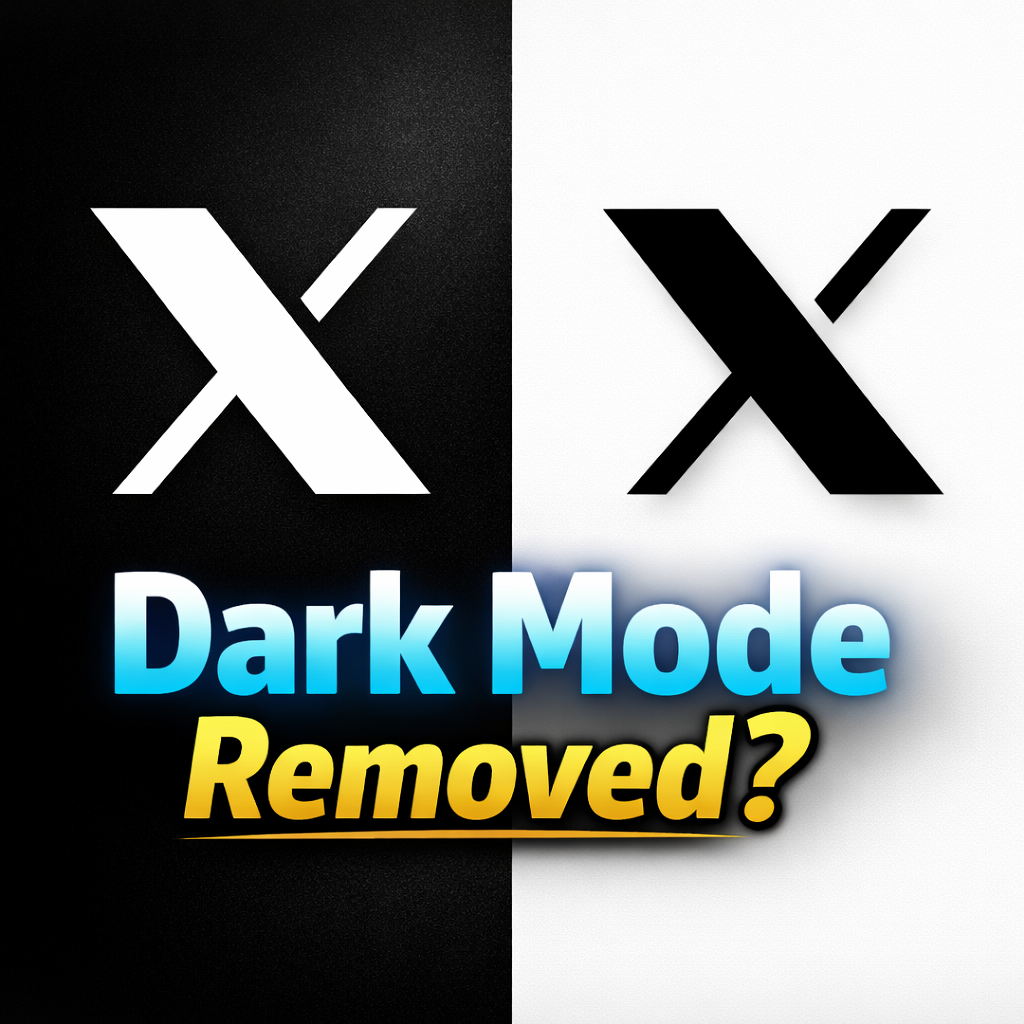
Social media platform X Corp. (formerly Twitter) has made an important change to its mobile application by removing the in-app Night Mode setting that many users had relied on for years. This change has sparked discussions among users because Dark Mode was one of the most widely used display features on the platform.
Previously, users could manually enable Dark Mode directly inside the X app through the display settings. However, with the latest update, the manual Night Mode toggle inside the app has been removed. Instead, the app now follows the system theme of the user’s device, meaning the appearance of X automatically switches between dark and light mode depending on the phone’s operating system settings.
Why Dark Mode Twitter Became So Popular
The Night Mode feature was first introduced on Twitter in 2016, and it quickly became one of the most appreciated display options on the platform. Over time, many users adopted Dark Mode as their default viewing experience.
Several factors contributed to the popularity of Dark Mode:
- Reduced eye strain, especially when browsing social media at night
- Better battery efficiency on OLED displays
- More comfortable reading experience in low-light environments
- A modern and visually appealing interface
In earlier versions of the platform, users could choose between two different dark themes: Dim and Lights Out. The Dim theme used a dark blue background, while Lights Out offered a pure black interface designed for maximum contrast and battery efficiency on OLED screens.
These customization options gave users greater control over how they experienced the platform’s interface.
Why X Removed the Night Mode Setting
With the latest redesign, X appears to be simplifying its display options. The company has shifted from an app-based theme control system to a device-based theme system.
Under this new approach, the appearance of X is determined entirely by the device’s operating system theme.
This change may have been implemented for several reasons:
Simplifying the app interface
Reducing the number of display settings can make the app easier to maintain and navigate.
System-wide theme consistency
By following the device’s theme, X ensures a consistent visual experience across all applications on the device.
Reducing development complexity
Maintaining multiple display modes and theme options can increase testing and maintenance work, so limiting theme variations may help streamline updates.
User Reactions to the Change
The removal of the in-app Night Mode toggle has received mixed reactions from users.
Many users expressed frustration because they previously preferred to keep their phone in light mode while using X in dark mode. With the new update, this level of customization is no longer available unless the entire device is switched to dark mode.
Some users argue that the change reduces flexibility and control over their preferred viewing experience. Others, however, believe that system-based theming creates a cleaner and more consistent interface across apps.
Is Dark Mode Completely Gone?
It is important to note that Dark Mode has not been removed entirely from X.
The key difference is that users can no longer control Dark Mode directly from inside the app. Instead, the platform now automatically follows the device’s display settings.
This means:
- If your phone is set to Dark Mode, the X app will appear in dark theme.
- If your phone is set to Light Mode, the X app will appear in light theme.
In other words, the feature still exists, but its control has moved from the app level to the system level.
Dark Mode Twitter has long been a favorite feature among users because it provides a more comfortable and visually appealing browsing experience, particularly during nighttime use. The decision by X Corp. to remove the in-app Night Mode toggle marks a significant shift in how the platform manages its interface settings.
While Dark Mode is still available, users must now rely on their device’s system theme rather than controlling it directly within the app. This change reflects X’s broader effort to simplify its interface and align with system-wide display preferences.
However, the response from users shows that customization remains an important part of the social media experience, and many users may hope for more flexible display options in future updates.
0 COMMENTS:

Instagram Encrypted Chats Ending in May 2026 – What Users Should Know
Instagram will remove encrypted chats starting May 8, 2026. Learn why Meta is ending Instagram encr…

TV App Whiplash: Shutdowns, Rebuilds & New Gatekeepers
Explore why TV apps shut down or get rebuilt, and how emerging gatekeepers are reshaping streaming …
X Removes Night Mode Setting: What Happened to Dark Mode Twitter?
X (formerly Twitter) has removed its in-app night mode setting. Dark Mode still exists but now foll…

5 Open Source Apps That Vanished from the Play Store
Several popular open source apps disappeared from the Play Store due to policy and API changes. Her…

Meta Bringing Voice & Video Calls to WhatsApp Web Soon – WhatsApp Web Update 2026
WhatsApp Web is rolling out voice and video calling features, allowing users to make secure calls d…

OpenAI Launches Codex App to Lead the AI Coding Race
OpenAI has launched the Codex desktop app to strengthen its position in the AI coding race, offerin…

Amazon Fire TV Blocks Sideloaded TV Apps – Safe Alternatives & Updates
Amazon Fire TV is now blocking the installation of some sideloaded TV apps. Learn why this change m…

WhatsApp May Let New Group Members See Past Chats – New Feature Tested
WhatsApp is testing a new feature that allows new group members to view recent chat history. Learn …

Substack TV App Launch: Why Many Writers Are Unhappy
Substack is launching a TV app for Apple TV and Google TV. Discover why some writers are unhappy an…

WhatsApp Web Group Calls: Voice & Video Calling Coming Soon
WhatsApp may soon add group voice and video calling support to WhatsApp Web. Learn how the feature …